 Instrumentiverse
Introduction to Professional Vocal Recording at Home
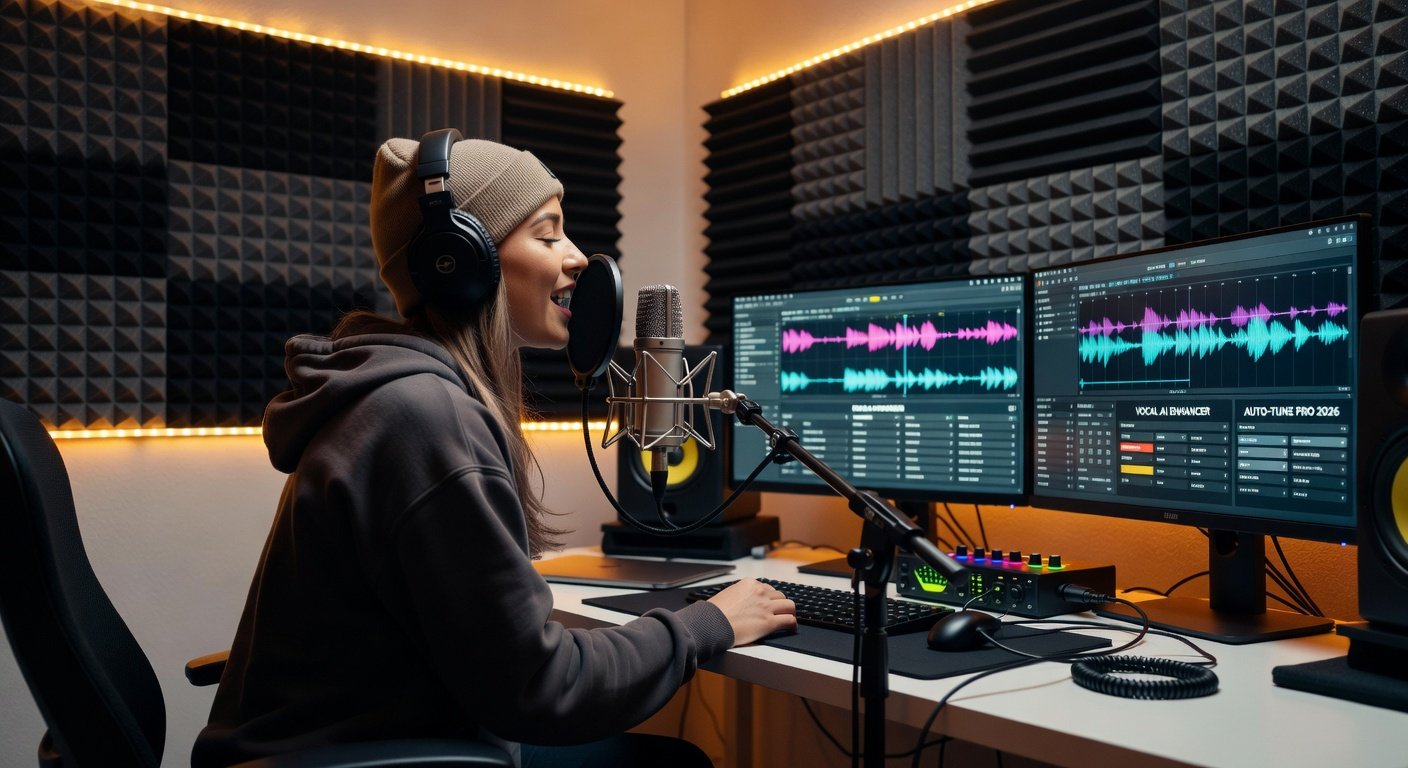
Recording crystal-clear vocals at home has never been more accessible, thanks to the latest 2026 DAW updates from industry leaders like Ableton Live, Logic Pro, and FL Studio. Whether you're a bedroom producer laying vocals over beats or building full productions, this comprehensive guide walks you through every step—from mic selection and room treatment to gain staging, mixing essentials like de-essing, EQ, compression, and AI-powered pitch correction. We'll cover common pitfalls, pro techniques, and hands-on DAW tutorials to ensure your vocals sit seamlessly in the mix.
By 2026, DAWs have evolved with smarter AI tools for real-time analysis, reducing setup time and elevating quality. No fancy studio required—just the right knowledge. Let's dive in and transform your home setup into a vocal powerhouse.
Choosing the Right Microphone for Pristine Vocals
The foundation of any great vocal recording starts with your microphone. In 2026, dynamic mics like the Shure SM7B remain staples for their warmth and rejection of room noise, ideal for untreated spaces. For brighter, more detailed captures, large-diaphragm condensers such as the Audio-Technica AT2020 or Neumann TLM 103 shine, especially with phantom power from modern interfaces.
Key factors to consider:
- Polar Pattern: Cardioid for solo vocals to minimize bleed.
- Frequency Response: Aim for 20Hz-20kHz with a presence boost around 5-10kHz for clarity.
- Budget Options: Under $100, the Fifine K669B delivers surprisingly clean results.
Pro tip: Pair your mic with a pop filter to tame plosives (P, B sounds) and a shock mount to eliminate handling noise. Test mics in your DAW's input monitoring for the best match to your voice.
Optimizing Your Recording Space: Room Treatment Essentials
Even the best mic can't overcome a boomy room. Home producers often overlook acoustics, leading to muddy tracks. Start with bass traps in corners—affordable foam panels from Auralex absorb low-end buildup. Add broadband absorption panels on walls opposite your mic position to deaden reflections.
For a quick DIY fix:
- Hang moving blankets or duvets behind and beside the mic.
- Place your setup in a closet lined with clothes for natural diffusion.
- Use a reflection filter (e.g., SE Electronics Reflexion Filter) mounted behind the mic.
In 2026 DAWs, built-in room analysis tools like Logic Pro's Space Designer or Ableton's Room EQ simulate treatments, but real-world fixes yield superior results. Record a test vocal and analyze the waveform: excessive reverb tails mean more treatment needed.
DAW Setup and Gain Staging for Clean Takes
Gain staging is your secret weapon against digital clipping and noise. Launch your DAW—Ableton Live 12.1 now features auto-gain with AI metering, a game-changer for 2026.
Step-by-step setup:
- Interface & Input: Connect mic to audio interface (e.g., Focusrite Scarlett). Set sample rate to 48kHz/24-bit for pro quality.
- Input Gain: Aim for peaks at -18dBFS on the meter. Speak/sing loudly—adjust preamp gain until yellow, never red.
- DAW Track: Create an audio track, arm for recording. Enable input monitoring with zero-latency mode (e.g., FL Studio's Mixer Track settings).
- Phantom Power: On for condensers.
Avoid boosting gain in the DAW; keep headroom for mixing. 2026 updates in Logic Pro include predictive gain staging, alerting you to potential overloads in real-time.
Capturing the Perfect Vocal Performance
With setup dialed in, focus on the take. Warm up your voice for 10 minutes. Stand 6-8 inches from the mic, slightly off-axis to reduce sibilance. Record multiple takes—comp the best phrases using DAW playlist features (Ableton's Clip Launcher or Logic's Take Folders).
Monitor through headphones only to avoid bleed. Use a click track for tempo-locked vocals, essential for beat integration. Capture room tone (silence for 10 seconds) at session start for noise reduction later.
Mixing Vocals: De-Essing, EQ, and Compression Mastery
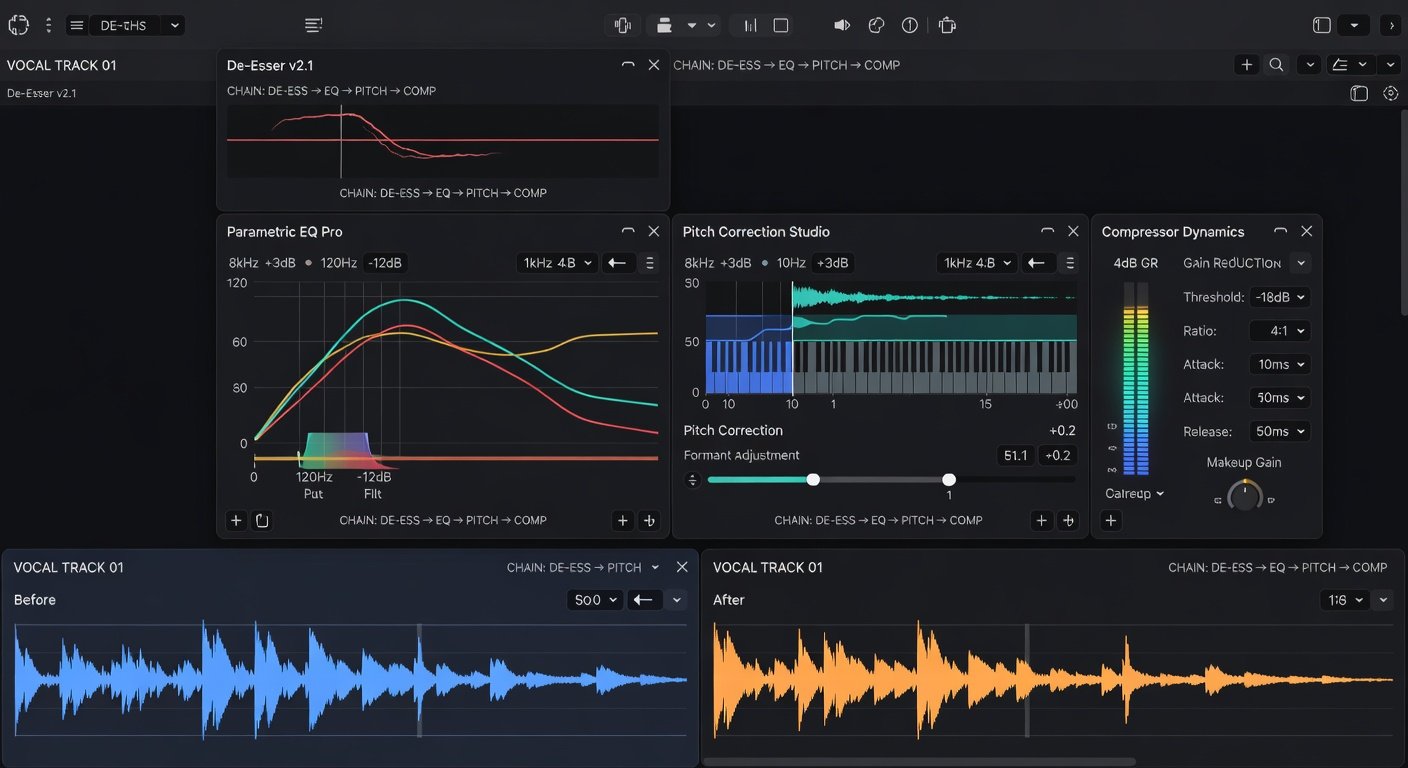
Raw vocals need polish. Start with subtractive EQ: High-pass filter at 80-120Hz to cut rumble, notch out boxiness at 300-500Hz. Boost air at 10-15kHz subtly.
De-Essing (Critical for Clarity): Sibilance (S, SH, CH) pierces mixes. Use FabFilter Pro-DS or stock DAW de-essers. Set frequency range 5-8kHz, threshold -20dB, listen in solo. 2026 FL Studio updates from Image-Line include spectral de-essing with visual sibilance highlighting.
Compression: Tame dynamics with 4:1 ratio, 3-6dB gain reduction. Sidechain to the beat for pocket-fitting. Multiband compression (e.g., Ableton's Multiband Dynamics) targets problem frequencies.
Pitch Correction: Natural or Robotic?
2026 brings ethical AI pitch tools like Melodyne 5.1 or Auto-Tune Pro X. For natural vibes, set retune speed to 50-100ms. Correct in small doses—human imperfection adds character. Logic's Flex Pitch now auto-detects formants, preserving timbre seamlessly.
Workflow: Print corrected track to new audio, A/B with original.
Advanced Techniques for Seamless Beat Integration
Pro producers layer doubles, harmonies, and ad-libs. Use sends for shared reverb/delay (Valhalla Room plugin emulates plates). Automate volume for dynamic phrasing. Sidechain compression ducks the beat under vocals—essential for EDM/hip-hop.
Vocoder effects via Native Instruments tools add futuristic flair. Parallel processing: Blend dry and effected vocals for thickness.
Common Pitfalls and How to Avoid Them
- Clipping: Always monitor peaks—use limiters as safety nets.
- Phase Issues: Flip polarity on doubles if they thin out.
- Over-Processing: Less is more; reference pro tracks (e.g., Billie Eilish's intimacy).
- Poor Monitoring: Calibrate speakers/headphones to 83dB SPL.
Conclusion: Elevate Your Tracks to Pro Level
With these DAW tips, your 2026 home vocal recordings will rival studio pros. Experiment iteratively, reference constantly, and trust your ears. Start simple, layer sophistication. Your crystal-clear vocals await—hit record and produce hits today!
No comments yet. Be the first!