 Instrumentiverse
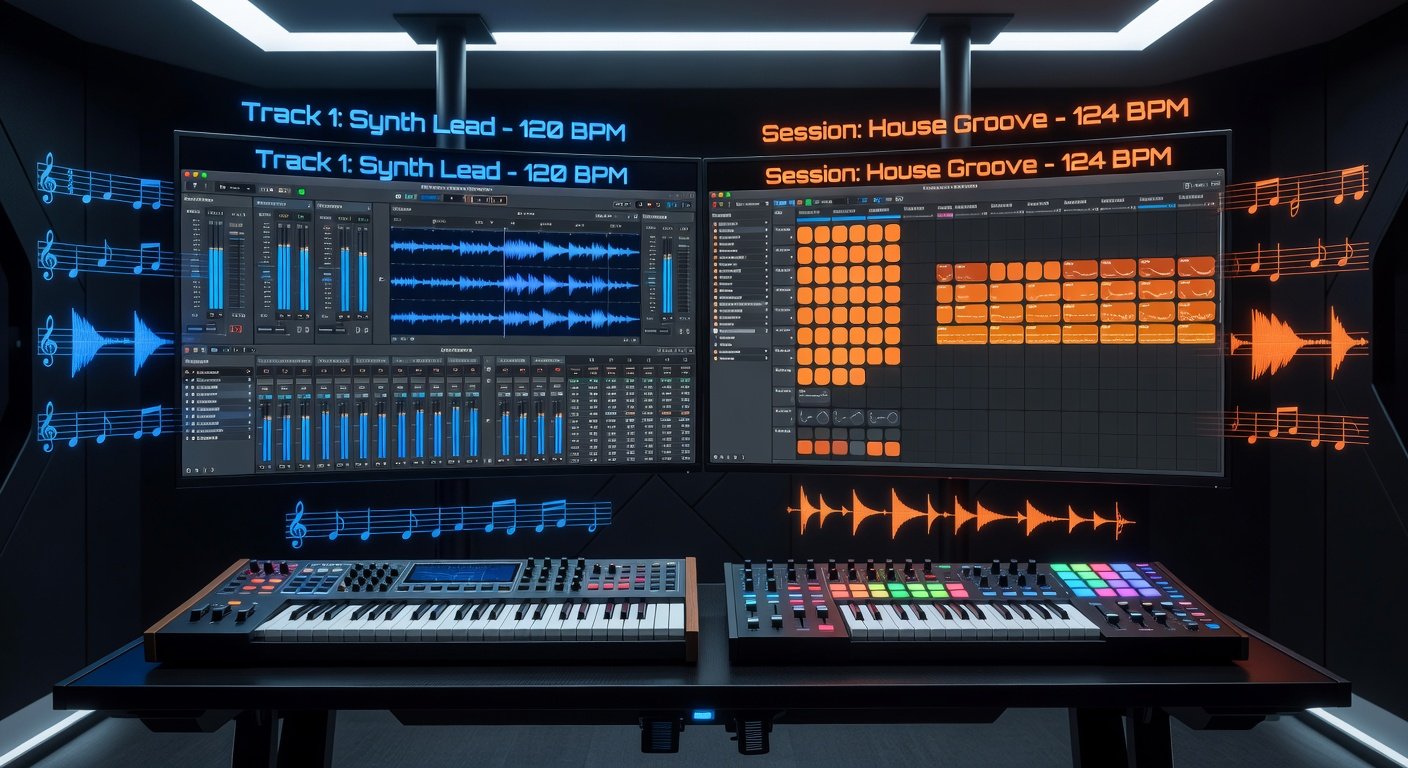
Introduction to Logic Pro and Ableton Live in 2026
In the ever-evolving world of music production, choosing the right Digital Audio Workstation (DAW) is crucial for producers at any level. As of 2026, Logic Pro and Ableton Live stand out as two powerhouse contenders. Logic Pro, Apple's flagship DAW exclusive to macOS, has long been praised for its comprehensive toolkit and seamless integration with Apple hardware. Ableton Live, available cross-platform, dominates live performance and electronic music scenes with its intuitive Session View.
This in-depth comparison dives into their 2026 versions, focusing on beat-making workflows, mixing techniques, and recording capabilities. We'll break down pros, cons, performance differences for beginners versus advanced users, and provide a recommendation matrix tailored to specific needs like studio mixing or live shows. Whether you're crafting hip-hop beats, electronic tracks, or full band recordings, this guide will help you decide which DAW best fits your production style.
Key Features Comparison: Logic Pro 11 vs Ableton Live 12
Both DAWs have received significant updates in 2026, enhancing AI-driven tools, spatial audio support, and plugin ecosystems. Logic Pro 11 introduces advanced stem separation and real-time collaboration features, while Ableton Live 12 bolsters its Max for Live integration with new generative instruments.
- Stock Plugins: Logic Pro offers over 80 instruments and effects, including the renowned Alchemy synth and ChromaVerb. Ableton shines with Drum Racks, Simpler/Sampler, and Wavetable for sound design.
- Interface: Logic's linear Arrangement View is traditional and track-focused. Ableton's dual Session/Arrangement Views excel for looping and improvisation.
- AI/ML Features: Logic's Session Players now include drum and bass AI musicians with 2026 enhancements for genre-specific grooves. Ableton's new AI mastering assistant analyzes mixes in real-time.
For official details, check Apple's Logic Pro page or Ableton's Live site.
Beat-Making Workflows: Which DAW Wins for Producers?
Beat making is the heartbeat of modern production, especially in genres like hip-hop, trap, and EDM. Let's compare workflows step-by-step.
Logic Pro Beat Making
Logic's Quick Sampler and Step Sequencer make beat creation effortless. Drag any audio sample into Quick Sampler, and it auto-chops into slices for instant drum kits. The 2026 Step Sequencer adds pattern chaining and humanize controls for organic feels.
- Load a sample pack into the Library.
- Use Ultrabeat or Drum Machine Designer for layered kits.
- Apply Swing and Velocity randomization for groove.
Example: For a trap beat, slice a 808 kick, layer with Alchemy subs, and sequence hi-hats with micro-timing adjustments— all in under 5 minutes.
Ableton Live Beat Making
Ableton's Drum Rack is legendary for its flexibility. Multimap samples across pads, route to Simpler for warping, and use Drum Buss for glue compression.
- Drop samples into Drum Rack cells.
- Enable slicing for live triggering.
- Clip launching in Session View for on-the-fly arrangements.
Ableton edges out for loop-based beat sketching, ideal for producers iterating ideas quickly. 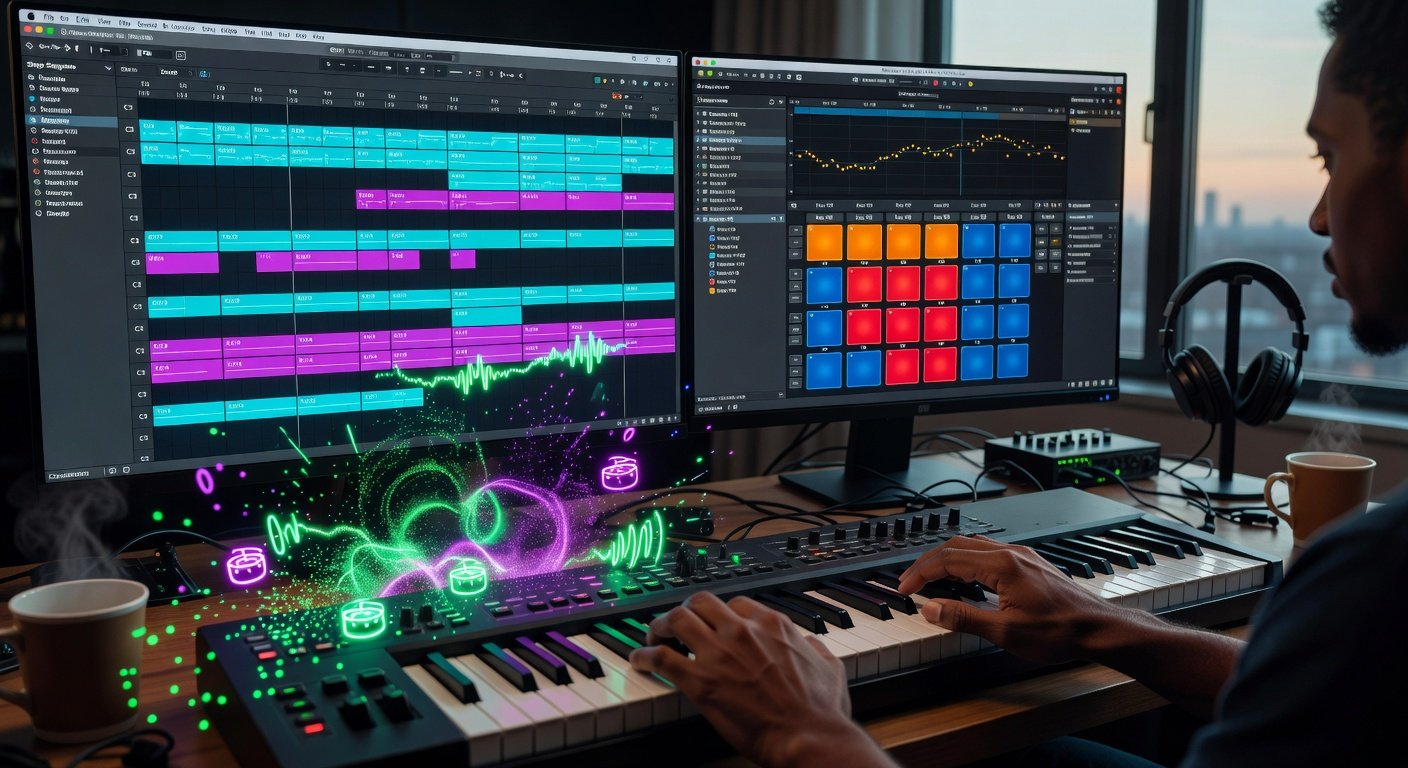
Mixing Tips: Achieving Professional Polish
Mixing demands precision, and both DAWs deliver pro-grade tools.
Logic Pro Mixing Workflow
Logic's Mixer is channel-strip focused with Theater Layout for immersive viewing. Key 2026 tips:
- Use the new Adaptive Limiter for transparent loudness.
- Leverage Match EQ for reference track matching.
- Flex Pitch/Time for vocal tuning without artifacts.
Pro Tip: Route buses through the Vintage EQ collection for analog warmth—emulates Neve and API consoles flawlessly.
Ableton Live Mixing Workflow
Ableton's Utility device handles mid-side processing natively. 2026 updates include Spectrum analyzer upgrades.
- Group tracks into Drum Bus for parallel compression.
- Glue Compressor on master for cohesion.
- Auto Filter with LFOs for dynamic movement.
Ableton excels in live mix adjustments, perfect for performers tweaking on stage.
Avoid common mistakes: Overusing saturation in Logic leads to mud; in Ableton, ignore Return tracks and lose send effects efficiency.
Recording Guides: From Vocals to Full Bands
Recording quality separates hobbyists from pros.
Logic Pro Recording
Logic's Live Loops now support multi-take comping. Setup:
- Arm multiple tracks with low-latency mode.
- Enable Cycle mode for looped takes.
- Quick Swipe Comping to assemble best parts.
Integrates deeply with macOS Audio Units, supporting Dolby Atmos natively.
Ableton Live Recording
Session View shines for capturing ideas spontaneously. Warping handles tempo mismatches effortlessly.
- Record clips directly into scenes.
- Use Follow Actions for auto-looping.
- Resampling for layering effects live.
For bands, Logic's track stacking wins; for solo artists, Ableton's flexibility rules.
Pros, Cons, and Performance: Beginners vs Advanced Users
Logic Pro
- Pros: All-in-one ecosystem, excellent value as a one-time purchase, superior stock sounds, rock-solid stability on Apple Silicon.
- Cons: Mac-only, steeper learning curve for live use, less modular than competitors.
- Performance: Beginners love the intuitive Apple design; advanced users appreciate 2026's 64-bit plugins and zero-latency monitoring.
Ableton Live
- Pros: Cross-platform, unmatched for live performance, vast Max for Live community, clip-based non-linearity.
- Cons: Higher entry cost with tiered editions, CPU-intensive for large projects, less linear editing tools.
- Performance: Beginners thrive in Session View tutorials; pros leverage Push 3 integration for hardware-software synergy.
Both run buttery smooth on M4 Macs or modern PCs, with Ableton optimizing for multi-core better in 2026.
Pricing and Value in 2026
Logic Pro remains a straightforward one-time purchase model, making it accessible without ongoing fees. Ableton Live offers tiered suites (Intro, Standard, Suite), providing scalability but requiring upgrades for full features. Consider your budget and long-term needs—Logic for cost-conscious studios, Ableton for performers investing in hardware expansions.
Recommendation Matrix: Choose Based on Your Needs
| Production Need | Best DAW | Why? |
|---|---|---|
| Studio Beat Making | Logic Pro | Superior drum tools, easier linear arrangement. |
| Live Performance | Ableton Live | Session View and clip launching unbeatable. |
| Band Recording | Logic Pro | Advanced comping and multi-track handling. |
| Electronic/Sound Design | Ableton Live | Wavetable, Max for Live dominance. |
| Beginner-Friendly | Logic Pro | Guided tours, massive library. |
| Advanced Customization | Ableton Live | Modular ecosystem. |
Conclusion: Which DAW Should You Pick in 2026?
Ultimately, Logic Pro suits traditional studio producers seeking completeness and value, while Ableton Live empowers live performers and experimental beat makers. Test free trials—Logic via Apple, Ableton via their site. Your workflow dictates the winner. Dive in, produce boldly, and elevate your tracks to pro levels.
No comments yet. Be the first!