 Instrumentiverse
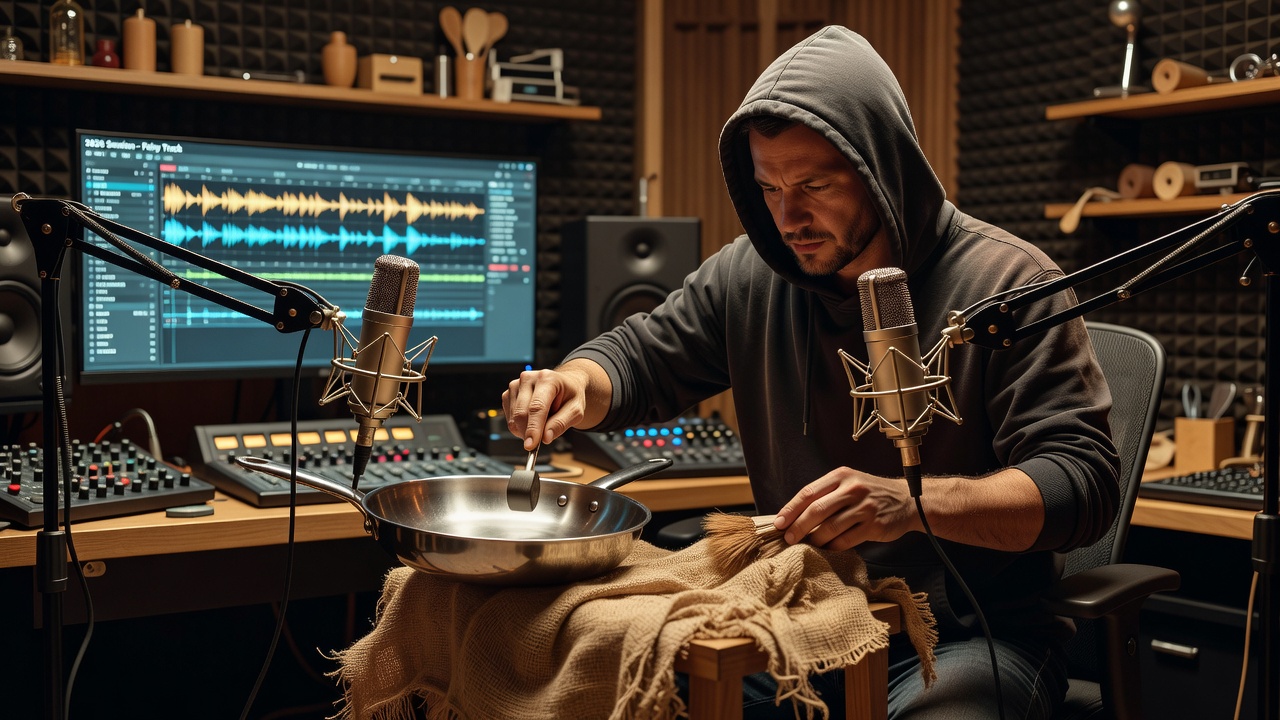
Introduction to Foley in Modern Music Production
Foley techniques, traditionally used in film for realistic sound effects, have become essential tools for music producers seeking originality in 2026. By capturing everyday sounds and integrating them into DAW workflows, you can create richer textures that stand out in hip-hop, electronic, and other genres. This approach moves beyond stock samples, offering creative depth that elevates tracks from generic to distinctive. Producers today integrate foley to add organic movement to beats, atmospheric layers in electronic music, or gritty details in hip-hop. Whether you're using Ableton Live, FL Studio, or Logic Pro, these methods work across platforms and help differentiate your music in a crowded market.
The beauty of foley lies in its accessibility and versatility. Unlike expensive sample packs, foley sounds come from real-world objects and environments, giving your productions an authentic edge. In this guide, we explore sourcing, recording, layering, processing, and genre-specific applications with concrete steps and examples to help you implement these ideas immediately in your sessions.
Sourcing and Recording Foley Sounds
Start by sourcing materials from your environment. Common items include footsteps on gravel, rustling paper, or kitchen utensils clinking. For professional results, record in a quiet space with a good microphone like a condenser model paired with an audio interface. Consider locations like your kitchen for metallic sounds, a garage for mechanical noises, or even outdoors for natural ambiences such as wind through leaves or distant traffic.
Step-by-step recording tutorial: 1. Set up your DAW to record at 24-bit/96kHz for high fidelity. 2. Position the mic 6-12 inches from the sound source, experimenting with angles to capture different tonal qualities. 3. Capture multiple variations—soft, hard, fast, and slow—for layering options later. 4. Import directly into your session and label files clearly. Experiment with contact mics for unique resonances on objects like metal or wood. Always monitor levels to avoid clipping, and use a pop filter if working with vocal-like elements. This foundational stage ensures your foley library is diverse and high-quality, ready for creative manipulation.
Layering Methods for Rich Textures
Layering is where foley shines. Combine a low-frequency rumble with high-end clicks to build complex percussion. In your DAW, use separate tracks for each layer, then group them for unified processing. Start with a foundational sound, add mid-range textures, and top with bright accents. Adjust timing slightly off-grid for a more human feel, and use panning to create width in the stereo field.
Practical exercise: Record a door creak and layer it under a snare. Adjust volumes so the foley adds subtle grit without overpowering. Use volume automation for dynamic builds in drops. For even richer results, duplicate layers and apply different pitch shifts—one octave down for weight and one up for sparkle. This technique works exceptionally well in building tension before a drop in electronic tracks.
Effect Processing Techniques
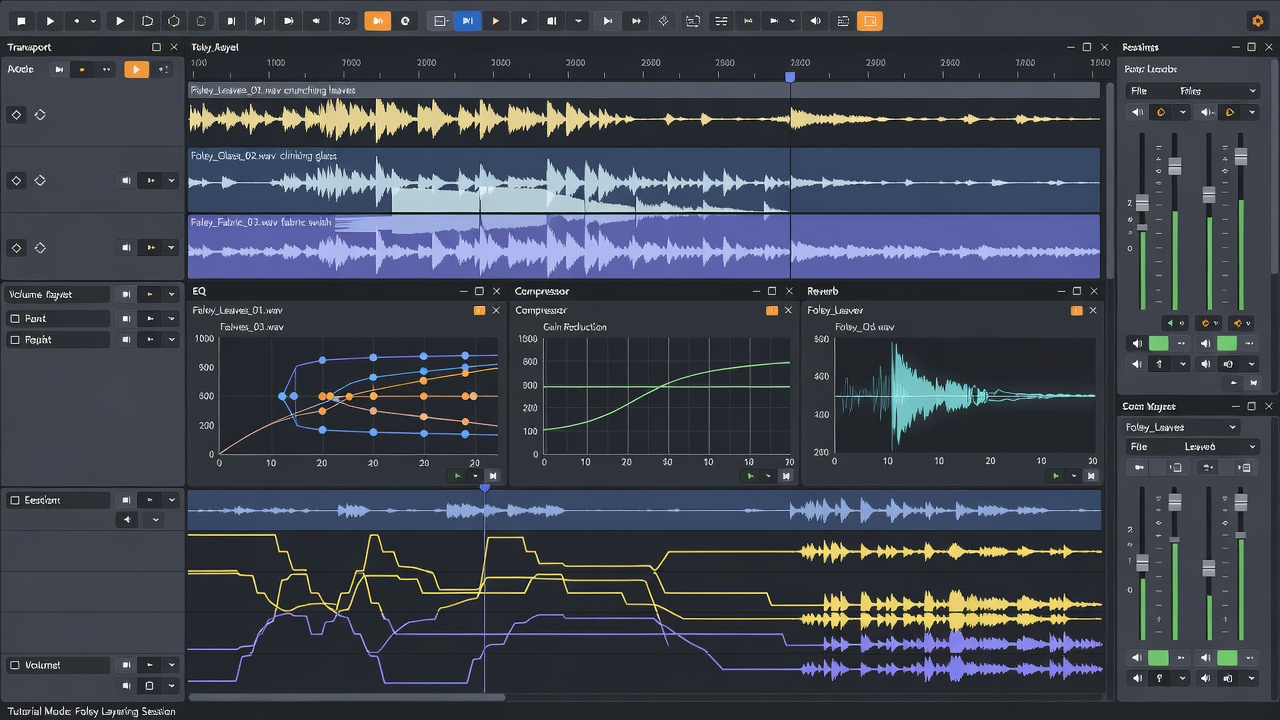
Transform raw foley with plugins. Apply EQ to carve frequencies, saturation for warmth, and reverb for space. Time-stretching in DAWs like Ableton creates ethereal pads from short recordings. Try granular synthesis to break sounds into tiny particles that can be rearranged into new rhythms or atmospheres. Compression helps glue layers together, while delay and modulation effects add movement and interest.
Compare tools: Ableton's Granular engine excels at textural manipulation, while FL Studio's Gross Beat offers rhythmic chopping. For free options, try Audacity before importing. Always reference Sound on Sound for plugin tutorials. In Pro Tools, use Elastic Audio for precise warping. Combine multiple effects chains—start with corrective EQ, move to creative distortion, and finish with spatial effects—to achieve polished, unique results that integrate seamlessly with your main instrumentation.
Genre-Specific Examples
In hip-hop, foley adds vinyl crackle or street ambience to beats. Layer recorded paper crumples under hi-hats for extra snap, or use distant traffic recordings as atmospheric beds between verses. Electronic producers use metallic scrapes for industrial leads or water drips as hi-hat alternatives, processing them with heavy filtering and sidechain compression to lock them to the kick drum.
Example workflow for electronic: Record keys jangling, process with delay and filter automation, then sidechain to the kick for pumping energy. In cinematic or ambient genres, stretched foley becomes evolving pads that support melodic elements. For pop productions, subtle foley like fabric rustles can humanize quantized drums. Each genre benefits from tailored processing—hip-hop favors grit and punch, while electronic leans into surreal, processed textures.
Tool Comparisons and DAW Integration
Ableton Live offers flexible warping for foley alignment, while Pro Tools provides precise editing. Compare built-in effects versus third-party like iZotope RX for noise reduction. Test in your session: Import foley, align to grid, and bounce stems for mixing. Logic Pro's Flex Time is excellent for rhythmic adjustments, and FL Studio's playlist view makes quick layering intuitive. Consider hardware controllers for hands-on manipulation during recording sessions to speed up workflow.
Practical Exercises and Common Mistakes
Exercise 1: Create a 16-bar loop using only foley layers—begin with three core sounds and build complexity through processing. Exercise 2: Process one sound three ways (dry, saturated, reverberant) and A/B test in context with your track. Exercise 3: Record five household objects and design a full drum kit from them, focusing on frequency balance.
Avoid over-layering, which muddies mixes—use high-pass filters liberally. Phase issues often arise from stacking similar sounds; check in mono regularly. Reference MusicRadar for production tips. Another pitfall is neglecting file organization—always tag and categorize your foley library for quick retrieval in future projects.
Conclusion
Integrating foley techniques unlocks endless creativity in DAW-based production. Practice regularly to develop your signature sound and experiment boldly with new sources and processing chains. The skills covered here provide a solid foundation for ongoing innovation in your music.
FAQ
Q: What DAW is best for beginners with foley? A: Start with Ableton Live's intuitive interface and warping tools that make alignment simple.
Q: How do I avoid phase issues in layering? A: Use mono checks and slight timing offsets between layers while monitoring on multiple playback systems.
Q: Can foley replace traditional drums? A: Yes, with creative EQ and processing for punch—many producers build entire kits from recorded objects.
Q: What equipment do I need to start recording foley? A: A basic condenser mic, audio interface, and quiet space are sufficient; upgrade later as your skills grow.
Q: How do I make foley fit rhythmically in electronic music? A: Use quantization, groove templates, and sidechain compression to lock sounds tightly to the beat.
No comments yet. Be the first!