 Instrumentiverse
Introduction to Sampling in Modern DAWs
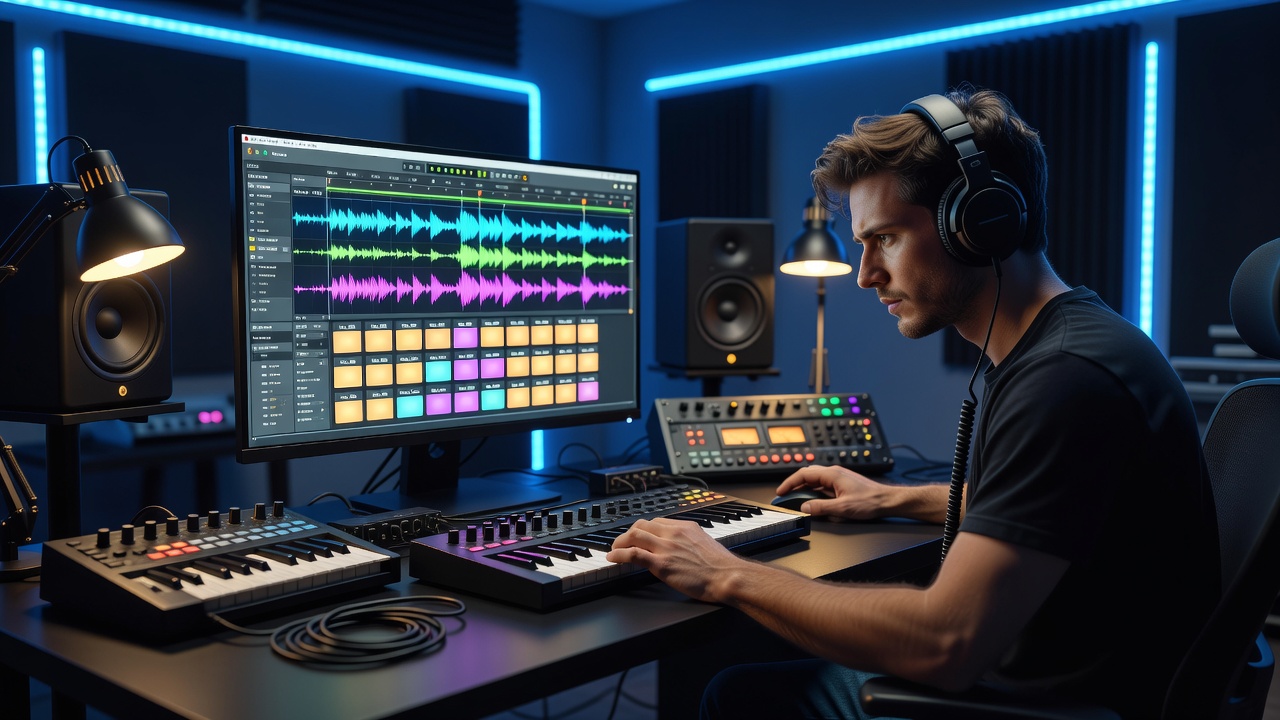
Sampling continues to define innovative beat making in 2026, empowering producers to transform everyday audio into compelling rhythms and textures. In popular digital audio workstations such as Ableton Live, FL Studio, and Logic Pro, effective sampling techniques help creators develop distinctive sonic identities. This comprehensive guide delivers practical, step-by-step instructions for beat makers who want to refresh their sound libraries and production workflows throughout the year. From locating high-quality royalty-free material to advanced manipulation methods, the advice here focuses on real-world applications that enhance creativity while respecting legal boundaries.
Understanding Sampling Fundamentals for Beat Makers
At its core, sampling involves capturing portions of existing audio recordings and repurposing them within new compositions. In 2026, the emphasis lies on creative transformation rather than simple looping. Producers must consider tempo matching, key alignment, and audio quality from the outset. Successful sampling starts with understanding how your chosen DAW handles imported files, including support for different bit depths and sample rates. This foundational knowledge prevents technical issues that can derail a session and ensures your beats maintain professional clarity across playback systems.
Choosing the Right DAW for Sampling Workflows
Different DAWs offer unique strengths when it comes to sampling. Ableton Live excels with its Simpler and Sampler instruments, allowing quick slicing and real-time parameter automation. FL Studio provides powerful tools like Slicex and the Channel Rack for rapid chopping and pattern-based arrangement. Logic Pro features Flex Time and its Alchemy sampler for deep sound design integration. Producers should test each platform's workflow during short projects to determine which interface feels most intuitive. Many beat makers maintain multiple DAWs, exporting processed samples between them to combine the best features of each environment.
Sourcing Royalty-Free Samples Effectively
High-quality source material forms the backbone of compelling beats. Reliable platforms include dedicated sample marketplaces that update their catalogs frequently with fresh recordings. Focus on packs tagged for commercial use and download multi-track versions when available so you can isolate individual elements. Organize downloaded files by genre, tempo, and key using consistent folder structures. This preparation saves valuable time during later stages of production. Always review the specific licensing terms provided with each pack to confirm permissions for monetized releases.
Step-by-Step Guide to Chopping and Manipulating Audio
Begin by importing your chosen audio file into a dedicated sampler track. In Ableton Live, drag the file onto Simpler in slice mode and adjust the sensitivity to detect natural transients. FL Studio users can load the same material into Slicex and manually refine slice points for precise control. Once sliced, experiment with individual segment transposition, reversal, or granular stretching to create entirely new melodic phrases. Apply low-pass filters to dull brighter elements or add subtle saturation for warmth. 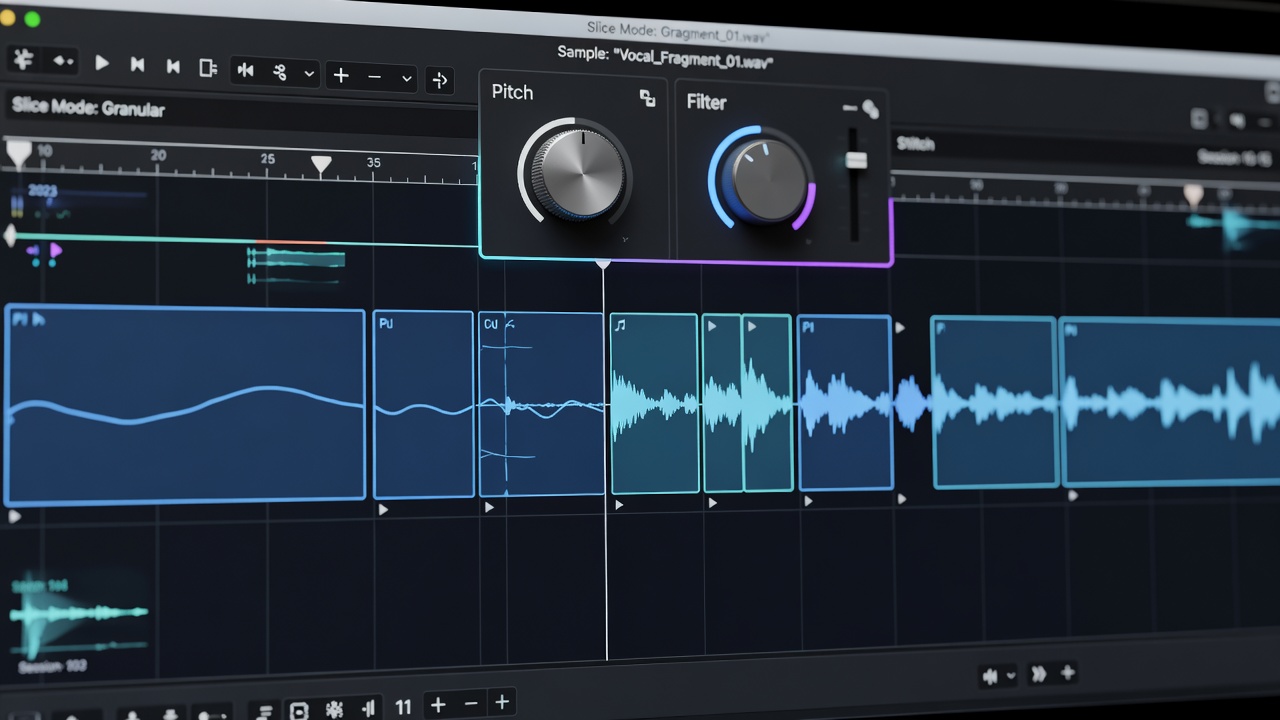
Advanced techniques include using envelope followers to modulate filter cutoff based on amplitude, or routing slices through external effects chains for spatial depth. Time-stretching algorithms in modern DAWs have improved significantly, allowing extreme tempo changes without artifacts. Record these manipulations in real time while capturing automation data for later editing.
Integrating Samples with Virtual Instruments
Blending sampled material with synthesized sounds creates rich, hybrid textures. Route both sample-based tracks and virtual instrument outputs through shared group buses so they receive identical compression and EQ treatment. Map MIDI controllers to trigger sample slices alongside instrument notes, enabling live performance elements during arrangement. In one practical example, a producer layered a chopped vocal sample with a detuned pad from Serum, then automated both volumes to create a call-and-response effect that became the track's central hook. This integration approach adds movement and prevents static loops from dominating the mix.
Common Pitfalls to Avoid in Sampling
Many producers encounter similar obstacles when first exploring sampling. Over-processing can quickly turn clear audio into muddy results, so apply EQ cuts before inserting creative effects. Sample rate mismatches between files often introduce unwanted noise or pitch instability; always standardize everything to 44.1 kHz or 48 kHz at the project start. Poor library organization leads to wasted hours searching for the right sound, so adopt a tagging system using metadata fields within your DAW. Finally, neglecting to freeze or bounce processed tracks increases CPU load and risks glitches during playback. Addressing these issues early improves both efficiency and final audio quality.
Real-World Examples from Current Productions
Recent releases demonstrate creative sampling in action. One chart-topping hip-hop track used a short guitar phrase from an older recording, time-stretched it across several octaves, and layered it with live-recorded drums processed through the same reverb send. Another lo-fi beat maker sourced vinyl crackle textures, pitched them down two octaves, and used them as a constant atmospheric bed beneath chopped piano loops. These examples highlight how subtle manipulation of limited source material can yield expansive arrangements.
FAQ: Legal Considerations for Sampling
Q: Can I use any sample in my beats? A: No. Always verify licensing or obtain clearances before commercial use.
Q: What about fair use in music production? A: Fair use remains narrowly defined and rarely applies to commercial releases. Review official guidance at copyright.gov.
Q: How do I clear a sample for release? A: Reach out to rights holders directly or utilize platforms like Tracklib that streamline the process.
Q: Are there risks when using royalty-free packs? A: Yes, if the pack license prohibits certain distribution models. Read terms carefully and keep records of purchases.
Q: What happens if I sample without clearance? A: Potential legal action or takedown notices can result. Industry resources such as riaa.com provide additional context on enforcement practices.
Conclusion
Mastering sampling techniques across leading DAWs equips beat makers with powerful tools for sonic innovation in 2026. By combining careful sourcing, methodical chopping, thoughtful integration, and awareness of legal requirements, producers can build distinctive tracks that stand out. Consistent practice with the methods outlined here will help refine personal workflows and unlock new creative possibilities.
No comments yet. Be the first!