 Instrumentiverse
Introduction to Sidechain Compression in Modern Beat Making
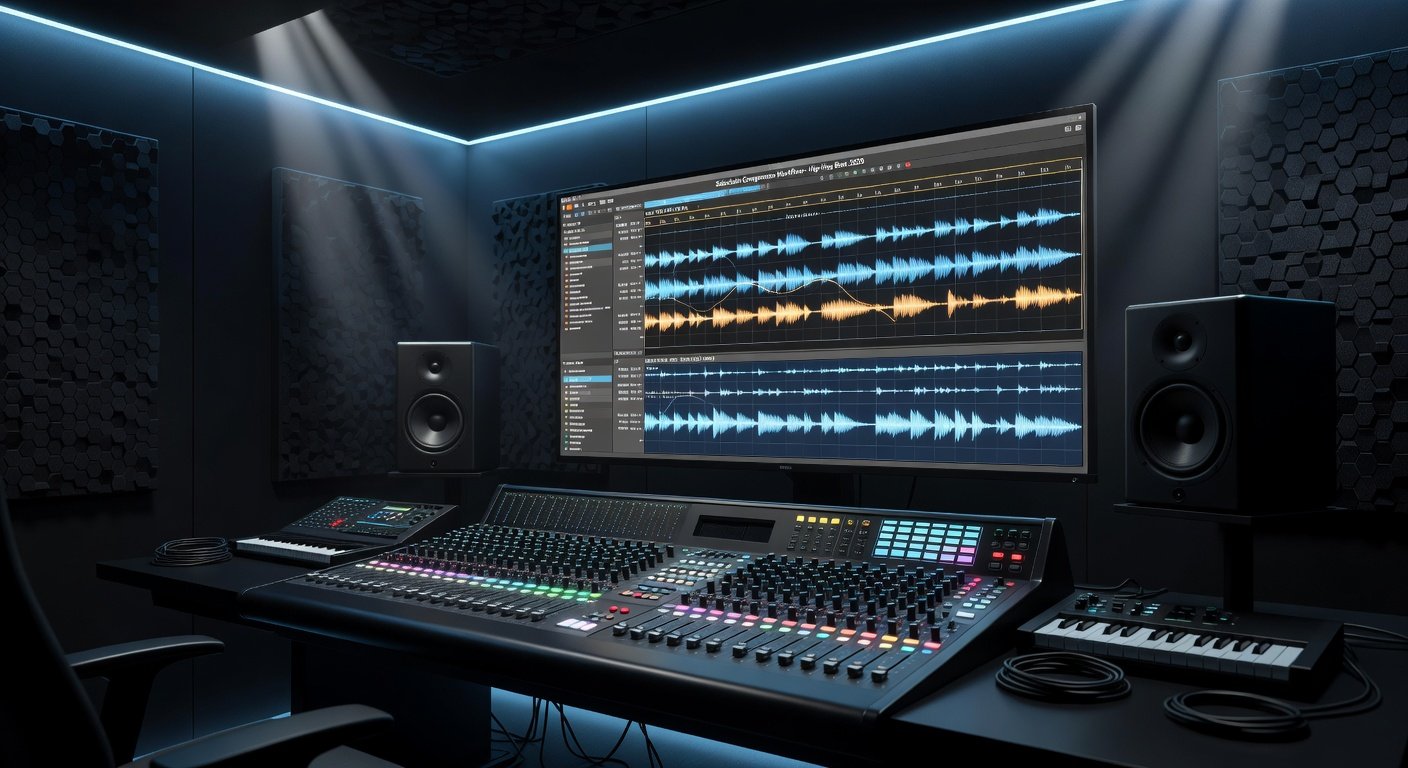
Sidechain compression remains a cornerstone technique for producers aiming to achieve professional-level punch and clarity in 2026 beat mixes. By ducking one signal in response to another—typically the kick drum triggering compression on bass or pads—it creates rhythmic breathing that enhances groove without muddiness. This guide dives deep into fundamentals, genre applications in EDM and hip-hop, real-world pro track examples, and detailed DAW tutorials.
Fundamentals of Sidechain Compression
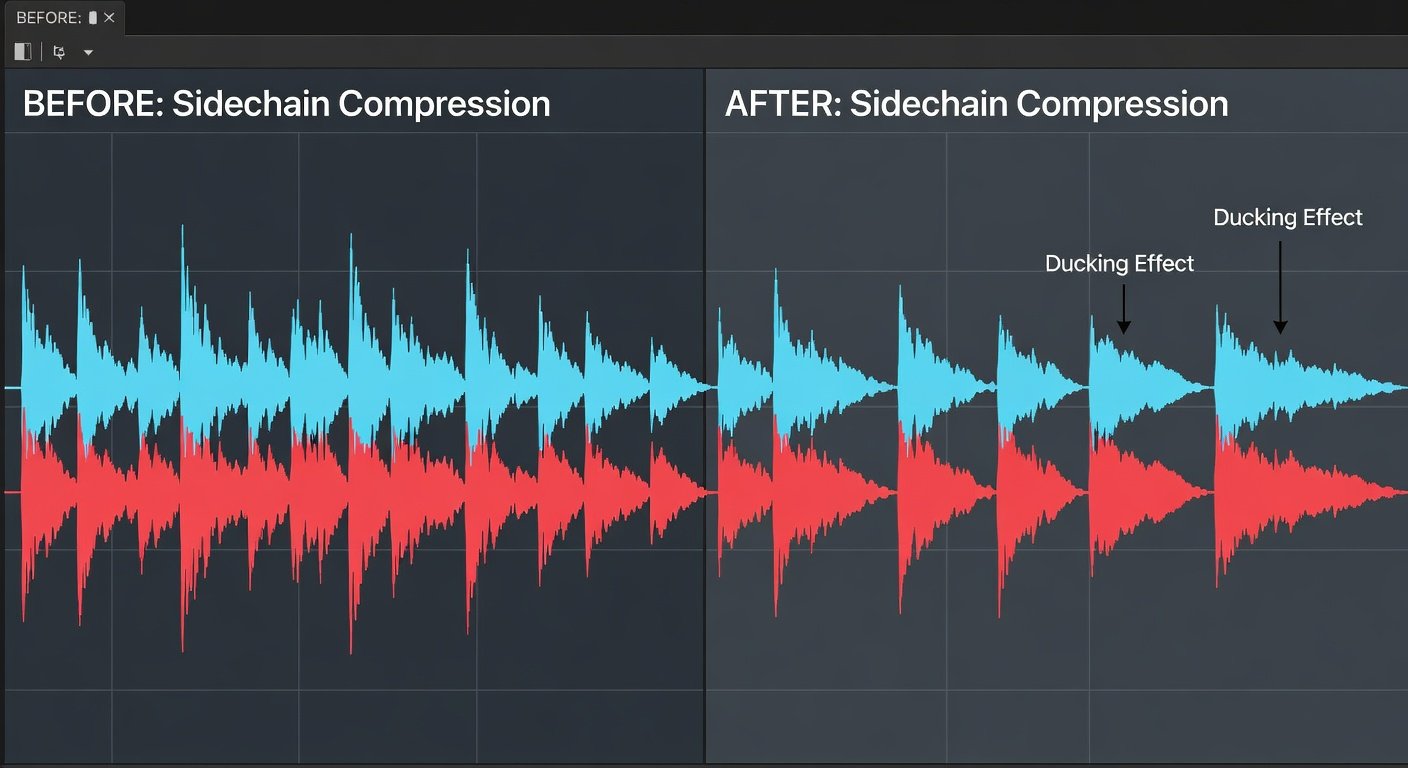
At its core, sidechain compression uses an external trigger signal to control gain reduction on the main audio track. The compressor listens to the sidechain input rather than the track itself, allowing precise rhythmic control. Key parameters include threshold, ratio, attack, release, and makeup gain. For beats, fast attack times (under 10ms) and medium release (50-150ms) often yield the classic pumping effect that locks elements together.
Understanding the difference between internal and external sidechaining is essential. Most DAWs support routing via buses or dedicated sidechain inputs, ensuring clean signal flow without phase complications.
Role in EDM, Hip-Hop, and Beat Production
In EDM, sidechain compression drives the four-on-the-floor energy by carving space for kicks amid dense synth layers. Hip-hop producers use it to tighten 808s against punchy kicks, preserving low-end clarity while adding movement. The technique prevents frequency masking, ensuring beats cut through streaming platforms and club systems alike.
Real-World Examples from Professional Tracks
Consider the pulsing basslines in tracks by artists like Calvin Harris or Metro Boomin productions, where sidechained elements create hypnotic grooves. These examples demonstrate how subtle ducking (3-6dB) maintains dynamics while enhancing perceived loudness.
Step-by-Step Tutorial: Ableton Live
Load the Glue Compressor on your bass track and enable the sidechain section. Route the kick to the sidechain input via the track's output routing. Set a 4:1 ratio, 5ms attack, and adjust release to match your tempo. Automate the threshold for dynamic sections. More details are available on the Ableton website.
FL Studio Implementation
Use Fruity Limiter or Maximus with sidechain routing from the kick channel. Enable the sidechain input in the plugin and fine-tune the envelope for tight response. Automation clips allow precise curve shaping across the arrangement. Explore official resources at Image-Line.
Logic Pro Workflow
Insert the Compressor plugin and select the sidechain input from the kick track. Enable Auto Gain and experiment with the circuit type for analog warmth. Use the automation lane for release time variations. Visit Apple's Logic Pro page for updates.
Recommended Plugins and Automation Curves
Popular choices include FabFilter Pro-C 2 for visual feedback and Waves Renaissance Compressor for character. Draw smooth, exponential release curves in automation to avoid abrupt pumping. Linear curves suit subtle mixing, while S-curve shapes deliver aggressive EDM effects.
Common Pitfalls and How to Avoid Them
- Phase issues: Always check mono compatibility after routing sidechains.
- Over-compression: Limit gain reduction to 6dB max for natural results.
- Muddy lows: High-pass filter sidechain triggers above 80Hz.
Optimization Tips for 2026 Hardware
Leverage low-latency monitoring on modern interfaces and multicore processing in DAWs. Test mixes on reference systems with updated drivers for accurate sidechain timing. Keep CPU usage under 70% by freezing tracks post-automation.
Frequently Asked Questions
What are the best sidechain plugins for different DAWs?
Native tools suffice for most users, but third-party options like Pro-C 2 excel in visualization across Ableton, FL Studio, and Logic Pro.
How do I troubleshoot muddy low frequencies?
Use precise EQ before compression and ensure sidechain triggers are high-passed appropriately to maintain clarity.
Conclusion
Sidechain compression elevates beat mixes when applied thoughtfully across your DAW of choice. Experiment with the tutorials above, reference pro tracks, and refine settings to your style for mixes that stand out in 2026.
No comments yet. Be the first!