 Instrumentiverse
Introduction to Foley in Modern Beat Making
Foley techniques have evolved from film sound design into essential tools for beat makers seeking organic textures in digital productions. In 2026, producers integrate everyday sounds into DAW workflows to differentiate tracks in saturated streaming playlists. This approach transforms household items into percussion hits, atmospheric layers, and rhythmic elements that blend seamlessly with electronic drums. Real-world foley adds character that stock samples often lack, providing movement, grit, and unpredictability that help beats stand out during A/B testing against commercial references.
Whether working in Ableton Live or FL Studio, the process starts with simple recording setups and extends to precise editing and mixing. Ableton and Image-Line provide built-in tools that support these workflows without additional plugins. By mastering foley integration, producers create signature sounds that feel both fresh and timeless, bridging the gap between acoustic reality and synthesized precision.
Step-by-Step Recording Techniques
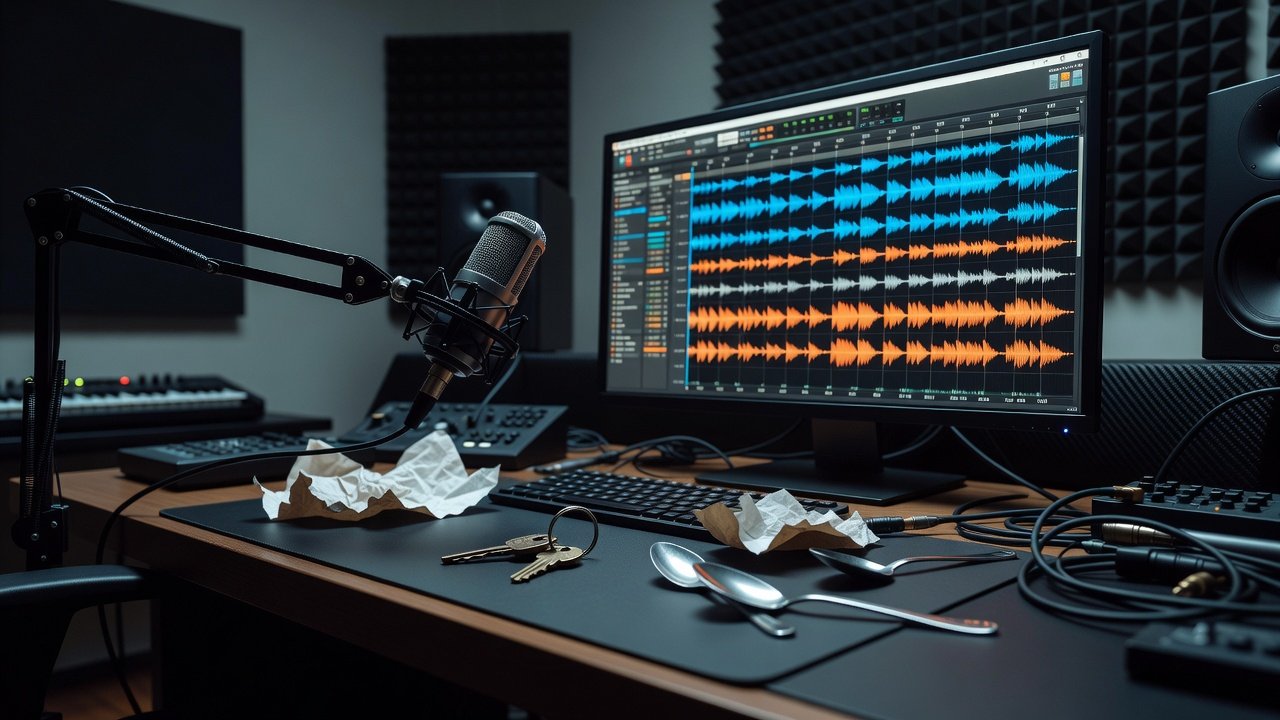
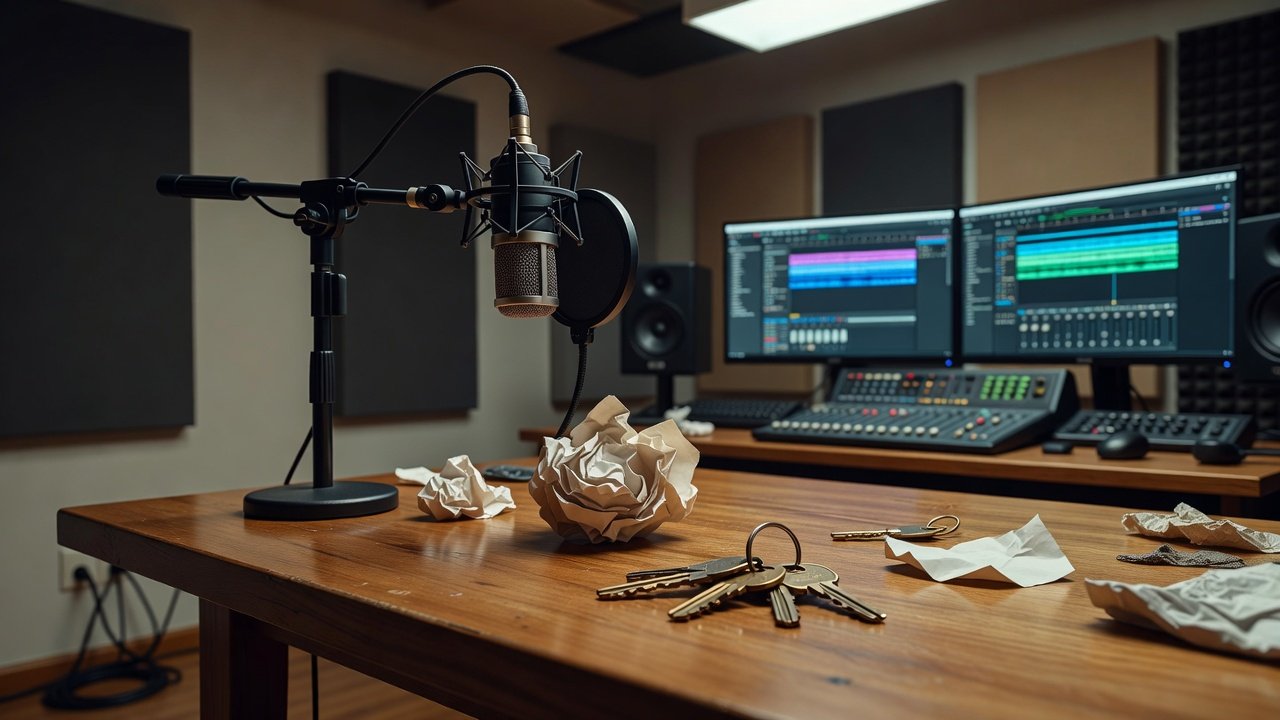
Begin with a basic microphone setup using any condenser or dynamic mic connected to your audio interface. Record in a quiet room to capture clean sources, but also experiment with controlled room reflections for natural reverb tails. For percussion, strike objects like metal spoons on ceramic mugs or crumple paper at varying intensities while monitoring levels to avoid clipping. Capture multiple takes at different distances—close for detail and farther for body—to build a versatile library of textures that can be blended later.
Layer recordings immediately in your DAW. In Ableton, drag files into an Audio Track and use the Simpler instrument for one-shot triggering with velocity sensitivity. In FL Studio, import into the Channel Rack and map to pads for quick performance. Experiment with contact mics taped to surfaces for intimate vibrations that translate well to low-end elements. Always record at 48kHz/24-bit to match current streaming delivery standards and minimize future conversion artifacts.
Transforming Household Items into Beat Elements
Common objects yield surprising results when recorded creatively. A set of keys shaken rhythmically becomes a hi-hat replacement with metallic grit that cuts through dense mixes. Rice poured between bowls creates shaker-like atmospheres with organic randomness. Cardboard boxes struck with hands deliver punchy kicks when pitched down and processed with saturation to emphasize transient snap. Everyday items such as plastic bottles, fabric scraps, and kitchen utensils can be pitched, reversed, or time-stretched to form melodic accents or swelling risers.
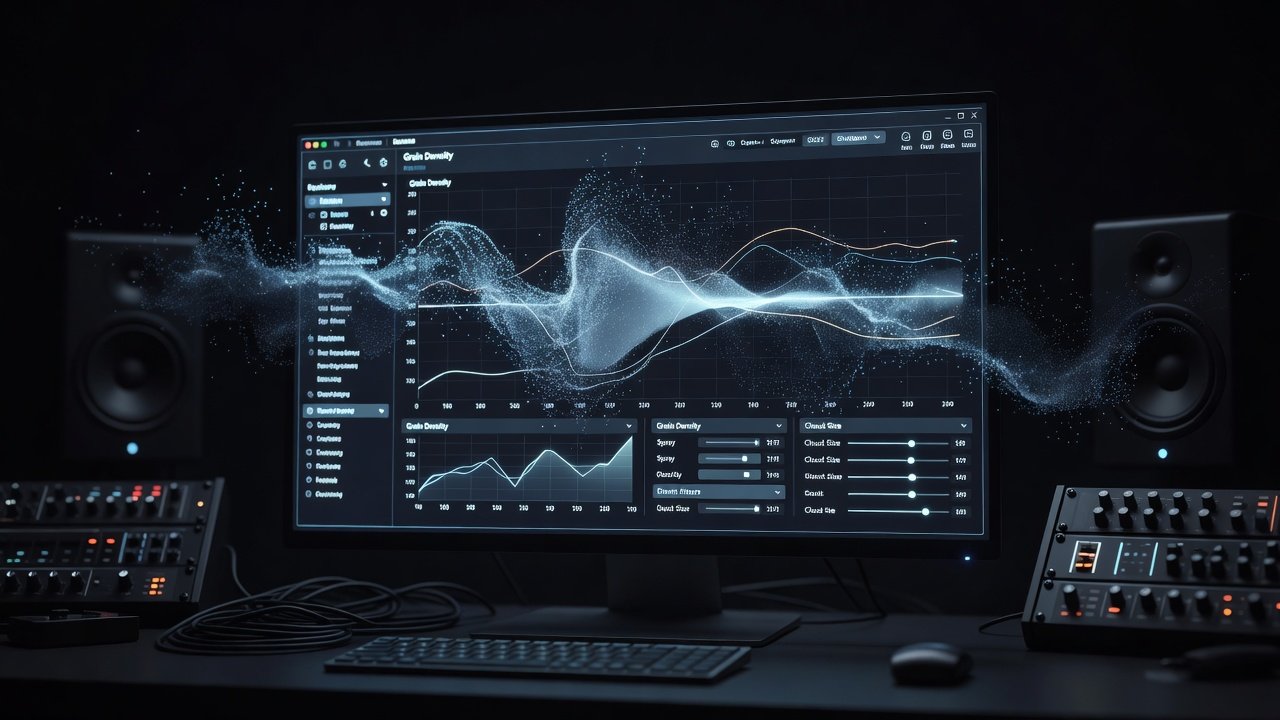
Atmospheric layers emerge from recording running water, distant traffic, or even breathing patterns, then stretching the audio in your DAW. Apply granular synthesis in Ableton’s Granulator or FL Studio’s Granulizer to morph these into evolving pads that sit behind main beats, adding depth without cluttering the frequency spectrum. Document each source in a simple text file so you can recreate or expand the sound later.
Layering and Processing in Ableton and FL Studio
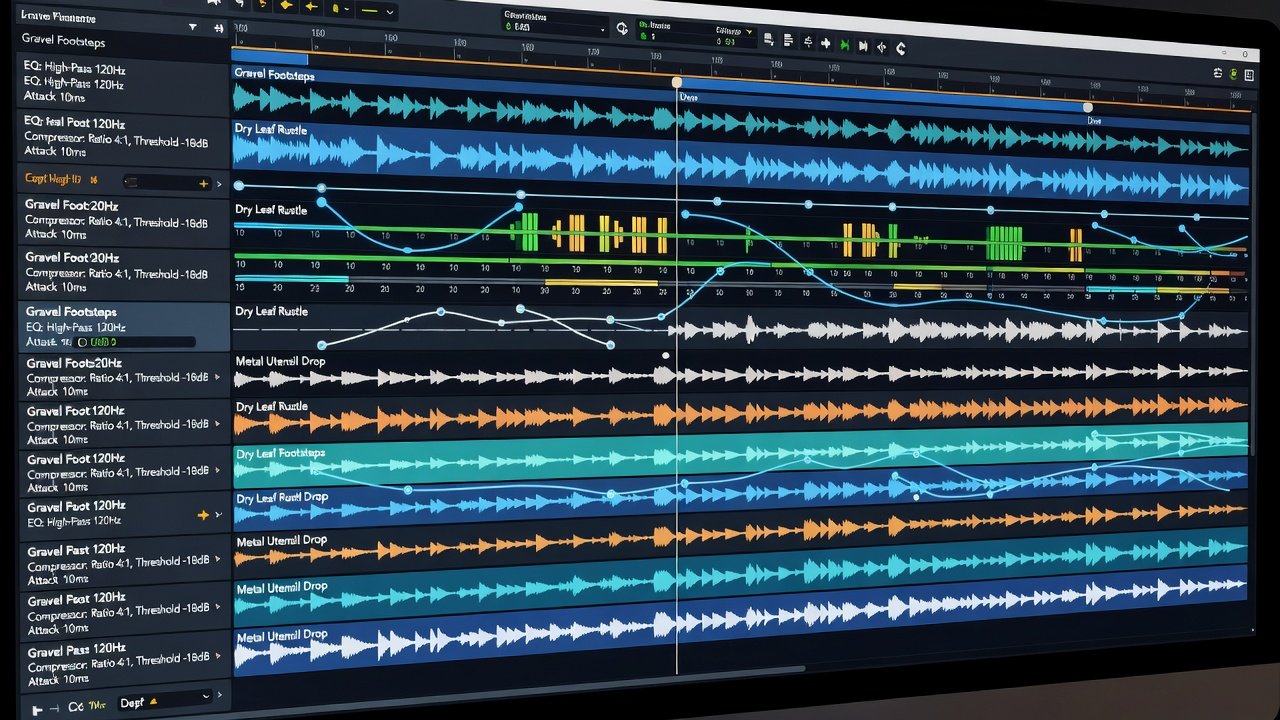
Layering requires careful alignment of transients to maintain punch. Duplicate tracks and offset layers by a few milliseconds for natural width. Use built-in EQ to carve space: boost foley highs around 8-12kHz while cutting mud below 200Hz on each layer. In Ableton, group related foley elements and apply Glue Compressor in parallel to add cohesion. In FL Studio, route channels through the Mixer and use Maximus for multiband control that tames peaks while preserving dynamics.
Processing chains should remain focused. Start with corrective EQ, followed by light saturation for harmonic richness, then a short plate reverb to embed the sound in the virtual space. Automate filter cutoff on atmospheric layers during builds to create movement that complements the electronic core. Test combinations on different playback systems to ensure the foley translates consistently from studio monitors to earbuds.
Mixing Tips for Seamless Integration
Blend foley by matching its frequency profile to your electronic elements. High-pass filter atmospheric layers at 300Hz to prevent low-end clashes with kick and bass. Use sidechain compression triggered by the main kick to duck foley subtly on each beat. Reference commercial tracks on streaming platforms to gauge balance and loudness targets. Keep foley elements at appropriate levels relative to drums so they support rather than dominate the groove.
Pan narrower foley sounds slightly off-center for stereo interest while keeping primary percussion anchored in the center. Apply gentle limiting only at the group level to avoid squashing transients that give foley its life-like quality.
Common Pitfalls and Actionable Fixes
Phase issues arise when layering similar sounds from different takes. Fix them by flipping polarity on duplicate tracks or using the DAW’s built-in phase inversion tool while listening in mono. Frequency clashes are resolved with dynamic EQ that ducks conflicting bands only when they overlap with the kick or snare. Over-processing leads to digital artifacts; limit effects chains to three stages maximum and A/B test against the dry signal frequently.
Another frequent mistake is ignoring timing inconsistencies. Quantize foley hits lightly or manually nudge them to sit in the pocket with your programmed drums. Finally, record at consistent sample rates to avoid unnecessary resampling that can dull high-frequency detail over time.
Building and Organizing a Personal Foley Library
After recording sessions, organize files by category such as metallic, organic, impact, and texture. Use clear naming conventions like “Keys_Shake_Close_01” so sounds are easy to locate during fast creative flow. Create subfolders for processed versions versus raw recordings. This system saves hours when building new beats and encourages reuse of favorite sources across multiple projects.
FAQ: Ethical Sourcing and Streaming Optimization
- How do I source ethical foley samples? Record your own sounds whenever possible or use public domain libraries from reputable archives. Always credit creators when using shared resources and avoid commercial sample packs that restrict redistribution.
- What sample rates optimize for 2026 streaming? Export at 48kHz/24-bit to align with major platforms and reduce conversion issues during final mastering.
- Can foley replace drum samples entirely? Yes, but hybrid approaches usually perform best for punch and clarity on streaming services.
- How do I avoid phase problems with multiple layers? Check in mono frequently and adjust timing or polarity before committing to a full mix.
Mastering these techniques elevates beats with distinctive, human elements that stand out in today’s productions while meeting professional delivery standards.
No comments yet. Be the first!