 Instrumentiverse
Introduction to Foley Recording in Modern Music Production
Foley recording involves capturing real-world sounds to enhance music tracks with organic textures that synthetic samples often lack. In 2026, beat makers are increasingly turning to these techniques within DAWs to create immersive atmospheres in hip-hop and electronic genres. This approach adds depth, uniqueness, and emotional resonance to productions that stand out in a crowded market. By incorporating everyday sounds like rustling leaves, creaking doors, or metallic clinks, producers can move beyond generic drum kits and build signature sonic identities. The rise of accessible recording technology has made foley more approachable than ever, allowing bedroom producers to compete with studio-level results. Whether you're working in Ableton Live, FL Studio, or Logic Pro, integrating foley can transform basic drum patterns into rich sonic landscapes. The process starts with simple equipment and evolves into sophisticated layering and processing chains that integrate seamlessly into any workflow.
Essential Equipment for Capturing Everyday Sounds
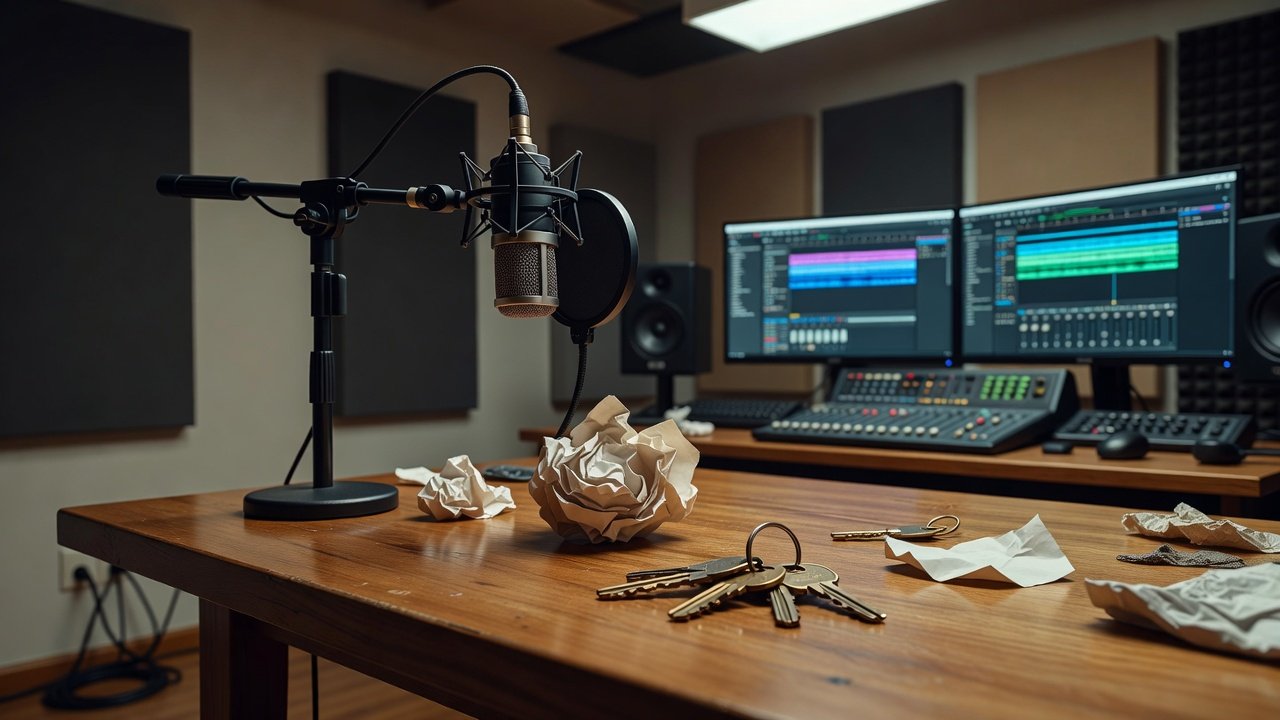
Beginners can achieve professional results with basic tools. A condenser microphone, portable recorder like a Zoom H5, and everyday objects such as paper, keys, or fabric are sufficient. Position the mic close to the sound source in a quiet room to minimize unwanted noise. Experiment with different surfaces and materials to generate varied textures. For instance, using a dynamic microphone on hard surfaces can capture sharp transients ideal for percussive elements, while softer fabrics benefit from ribbon mics for warmth. Always monitor recordings through headphones to catch subtle details like room reflections that might add unwanted reverb. Investing in a simple pop filter or windscreen helps when recording breathy or windy sounds that could enhance atmospheric pads in electronic tracks.
Step-by-Step Guide to Recording Foley
- Select your sound source and prepare the environment by clearing clutter and testing for background hums from appliances.
- Set recording levels to avoid clipping while capturing subtle details, aiming for peaks around -6 dB to leave headroom for processing.
- Record multiple takes from varying distances and angles to provide options during editing and layering phases.
- Import files directly into your DAW for immediate review, labeling each take clearly with descriptions like "paper_crunch_01" for easy retrieval later.
- Edit out silence and normalize the audio to ensure consistent volume across your library of recorded textures.
This methodical approach ensures high-quality raw material ready for creative manipulation and prevents common issues like low-level noise that could muddy mixes.
Layering Methods and Processing Chains
Once recorded, layer foley elements over your beats. Start with subtle background textures beneath kicks and snares, then build complexity by adding mid-frequency layers for body and high-end details for sparkle. Apply processing chains including EQ to carve frequencies, compression for consistency, and distortion for grit. For example, route a recorded fabric rustle through a low-pass filter to sit underneath a bassline, then parallel compress it for punch. Chain effects in order: first corrective EQ, then dynamic processing, followed by creative tools like saturation or granular delay. This order preserves clarity while allowing textures to evolve. In hip-hop beats, layering a door slam with a tuned 808 can create hybrid low-end hits that feel both natural and powerful.
Insert 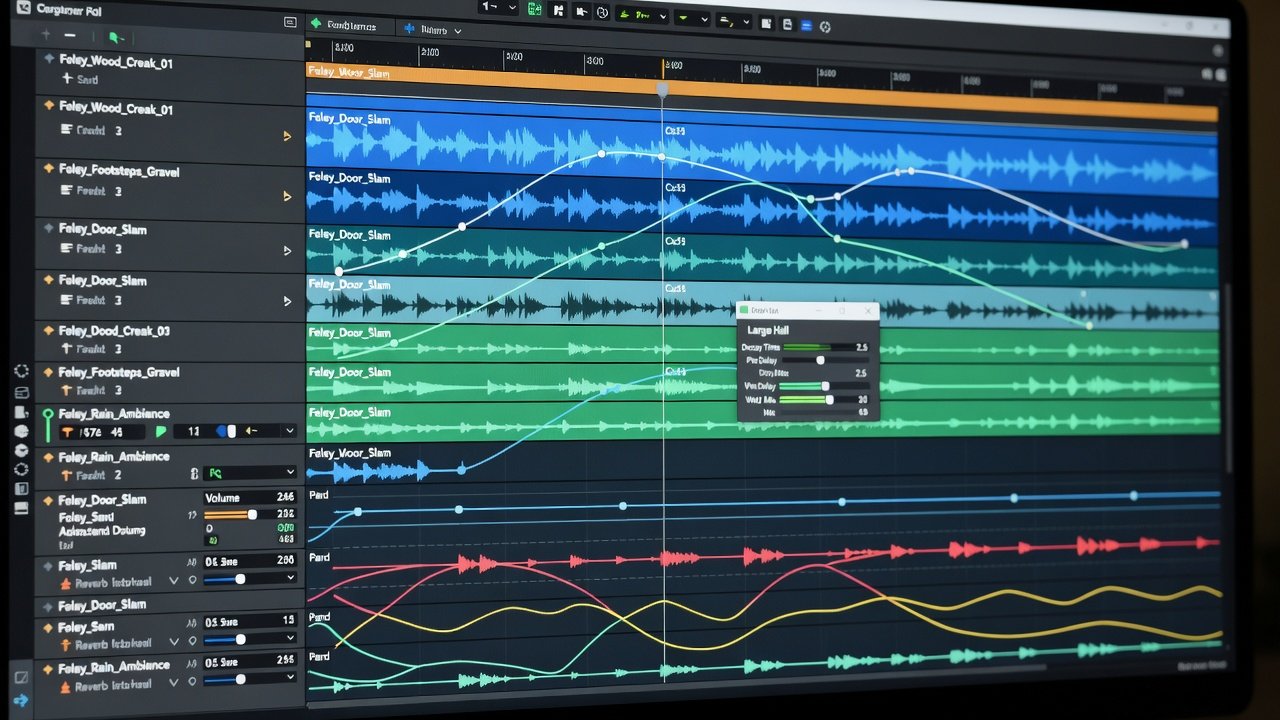
DAW-Specific Tips for Effects and Automation
In Ableton Live, use the EQ Eight plugin for precise cuts and automate reverb sends to create evolving spaces that breathe with the track. FL Studio users benefit from Fruity Parametric EQ 2 combined with automation clips for dynamic texture shifts that respond to melody changes. Logic Pro's stock plugins allow seamless integration via flexible routing and automation lanes, where you can modulate filter resonance in real time during playback. Focus on reverb tails and delay feedback to blend foley naturally with electronic elements. Automation of filter cutoffs adds movement, preventing static sounds from feeling flat. In all DAWs, group foley tracks and apply sidechain compression triggered by the kick to maintain groove without clashing frequencies. Experiment with mid-side processing to widen textures in the stereo field, making them more enveloping in electronic productions.
Practical Examples for Hip-Hop and Electronic Beats
For hip-hop, record crumpled paper for crisp hi-hat layers or door creaks for atmospheric intros that set a moody tone before the first verse. In electronic tracks, metallic scrapes processed with heavy reverb can form unique percussion fills that punctuate drops. Combine these with synthetic drums to create hybrid rhythms that feel both organic and futuristic. A specific example: capture the sound of pouring rice into a bowl, then pitch it down two octaves and layer it with a snare for a gritty, industrial edge in trap beats. In lo-fi electronic genres, record vinyl crackle alternatives like static from a blanket rub, then apply tape saturation emulation to enhance warmth. These techniques allow producers to differentiate their sound in playlists dominated by stock samples.
Common Pitfalls to Avoid
- Overloading tracks with too many layers leading to muddiness; instead, use subtractive EQ on each layer to carve space before summing.
- Ignoring phase issues when stacking multiple recordings, which can be fixed by flipping polarity on duplicate tracks during alignment.
- Neglecting proper gain staging during import and processing, resulting in digital distortion that ruins texture clarity.
- Failing to reference mixes on different playback systems like phone speakers or car stereos to ensure foley translates universally.
- Over-processing with excessive reverb or delay that washes out the unique character of the original recording.
Conclusion
Foley recording empowers producers to infuse 2026 DAW beats with distinctive character. By mastering capture, layering, and effects, you unlock endless creative possibilities for hip-hop and electronic music that connect on a visceral level.
FAQ
Where can I source royalty-free foley sounds?
Explore public domain libraries or create your own to ensure full control and originality in commercial releases, avoiding licensing complications down the line.
What creative sound design ideas work well in 2026 workflows?
Blend foley with AI-assisted tools for hybrid textures, or automate granular synthesis on recorded elements for evolving pads that shift across song sections.
How do I ensure my foley integrates without overpowering the main elements?
Use volume automation and frequency carving to tuck textures behind leads and drums while maintaining their atmospheric presence.
Learn more from authoritative resources like Sound on Sound, MusicRadar, and Ableton.

No comments yet. Be the first!