 Instrumentiverse
Introduction to 2026 DAW Mixing Revolution
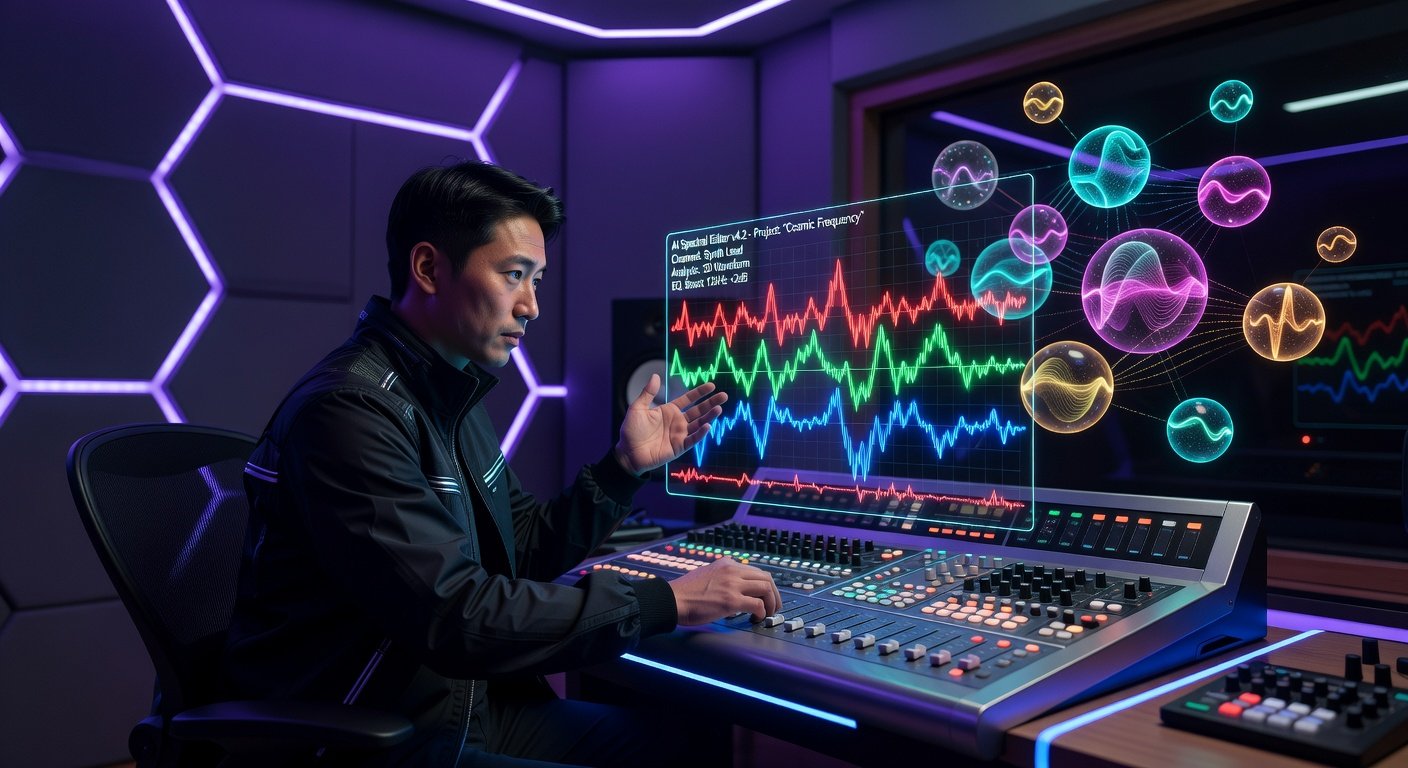
In 2026, Digital Audio Workstations (DAWs) like Ableton Live 13, Logic Pro 12, and FL Studio 23 have integrated groundbreaking AI tools and spatial audio capabilities. These advancements make professional mixing accessible to intermediate producers. This listicle dives into 10 cutting-edge tips, complete with step-by-step instructions, plugin recommendations, real-world examples, common pitfalls, and quick wins. Whether you're chasing that radio-ready clarity or immersive Dolby Atmos soundscapes, these techniques will elevate your workflow.
Focus on tools like AI spectral editing for surgical precision and object-based spatial audio for 3D depth. Let's jump in.
1. AI Spectral Editing for Flawless De-Noising
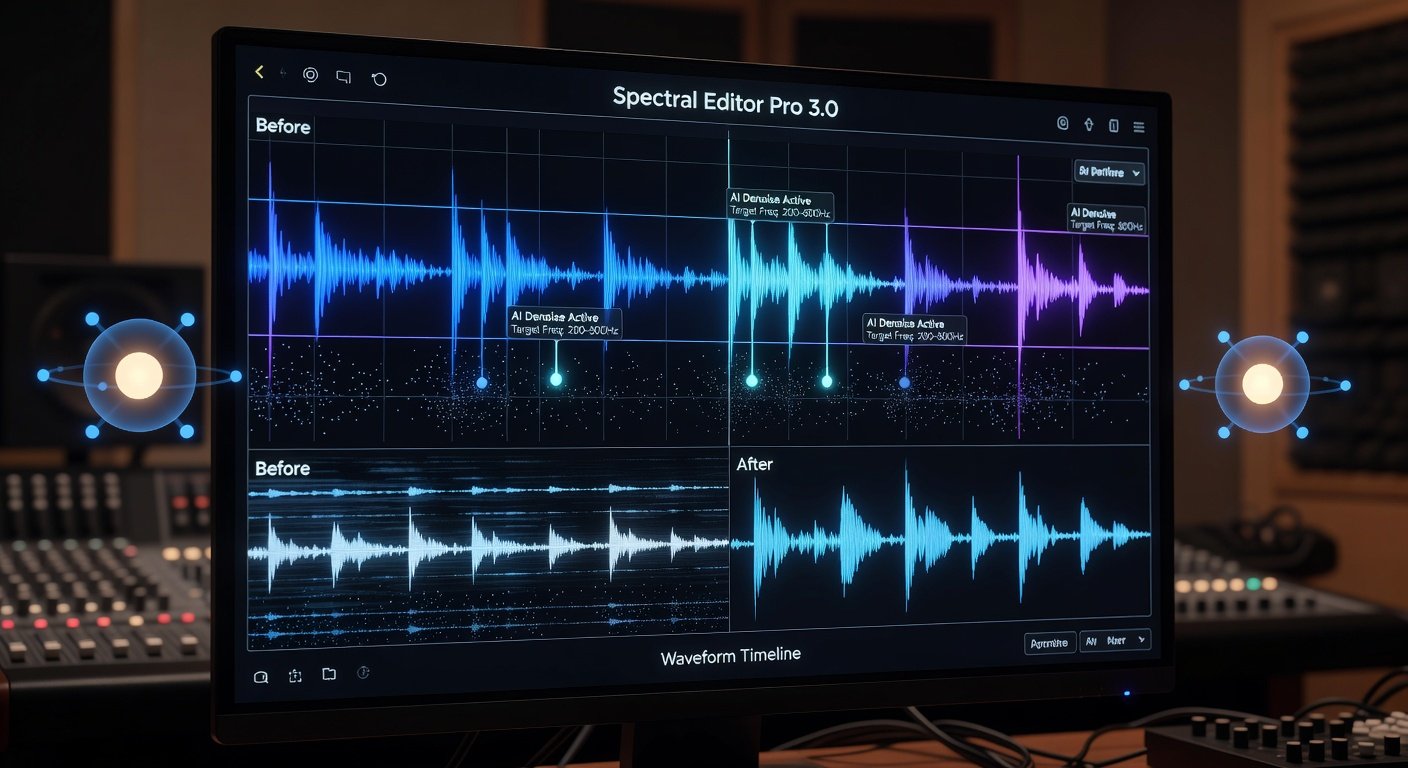
AI spectral editing analyzes audio in the frequency domain, identifying and removing noise without artifacts.
- Load your track into the spectral editor (e.g., iZotope RX 12 integrated in DAWs).
- Select the AI Repair module and scan for noise profiles.
- Brush or lasso unwanted elements; AI suggests optimal removal paths.
- Preview and apply with adaptive learning for similar issues.
Plugin: iZotope RX 12. Example: Cleaned up a vocal take with HVAC hum in a home studio mix for a pop track. Pitfall: Over-editing muddies transients—use 20-30% wet mix. Quick Win: Batch process stems for instant clarity. Learn more at the iZotope website.
2. Spatial Audio Object Panning for Immersive Depth
Move beyond stereo: Place audio objects in 3D space using Dolby Atmos or Apple Spatial Audio.
- Enable spatial rendering in your DAW's mixer (e.g., Logic Pro's Dolby Atmos bed).
- Create objects for key elements like vocals or guitars.
- Use the binaural panner to position in XYZ axes; automate trajectories.
- Export as ADM BWF for streaming platforms.
Plugin: Dolby Atmos Renderer. Example: Made hi-hats orbit listener in an EDM drop. Pitfall: Ignoring headroom causes clipping in collapses. Quick Win: Start with 7.1.4 preset for quick setup. Check Dolby's resources at Dolby Professional.
3. AI-Powered Dynamic EQ for Adaptive Balance
Dynamic EQ targets frequencies only when they clash, powered by machine learning.
- Insert AI Dynamic EQ (FabFilter Pro-Q 4 AI).
- Enable spectrum capture; let AI detect resonances.
- Set thresholds per band; automate based on energy.
- A/B with linear phase mode.
Example: Tamed harsh snare in a rock mix dynamically. Pitfall: Too aggressive thresholds pump the mix. Quick Win: Use preset 'Vocal Clarity' as baseline.
4. Neural Reverb Tailoring for Natural Space
AI analyzes room acoustics and tailors reverb impulses in real-time.
- Load Neural Reverb (Valhalla Room 2026 AI).
- Input reference track; AI matches decay and ER.
- Adjust object-based diffusion for spatial integration.
- Sidechain to dry signal for clarity.
Example: Created a stadium reverb for live drums without mud. Pitfall: Long tails mask transients. Quick Win: 50% wet on sends.
5. Object-Based Bus Processing for Cohesion
Group elements into spatial buses for unified processing.
- Create Atmos bus for instruments.
- Apply shared compression and reverb objects.
- Position bus centroid; feather edges.
- Collapse check on stereo.
Example: Unified synth layers in a cinematic score. Pitfall: Bus overload loses separation. Quick Win: Limit to 8 objects per bus.
6. AI Stem Separation for Mid-Mix Fixes
Separate mixed stems with AI for targeted edits.
- Use integrated Stem Splitter (LALAL.AI in DAW).
- Isolate drums/vocals; remix elements.
- Re-blend with phase alignment.
- Enhance separated stems individually.
Example: Fixed muddy bass in a bounced demo. Pitfall: Artifacts from poor source—use high-res audio. Quick Win: Quick vocal isolation for ad-libs.
7. Adaptive Compression with Machine Learning
- Insert ML Compressor (Waves Clarity VX).
- Train on reference; AI adapts attack/release.
- Set look-ahead for punch.
- Multiband for spectral control.
Example: Glued vocals seamlessly. Pitfall: Over-compression kills dynamics. Quick Win: 3:1 ratio start.
8. Spectral Sidechain Ducking Mastery
Duck frequencies precisely with spectral analysis.
- Link kick to bass via spectral sidechain (OTT 3.0).
- Select low-end bands only.
- Automate depth for builds.
- Monitor spectrum viewer.
Example: Crystal-clear low-end in hip-hop. Pitfall: Broad ducking thins the mix. Quick Win: 6dB depth max.
9. Immersive Limiter for Atmos Loudness
Preserve spatial imaging while maximizing LUFS.
- Use iZotope Ozone 12 Immersive Limiter.
- Set true peak to -1dBTP.
- Enable height channel protection.
- A/B stereo fold-down.
Example: Hit -14 LUFS on Atmos master. Pitfall: Ignoring fold-down clips streams. Quick Win: Ceiling automation.
10. AI Final Mastering Polish
AI masters across formats with one click.
- Load Ozone 12 Master Assistant.
- Select Atmos/ stereo targets.
- AI suggests chain; tweak EQ/exciter.
- Export variants.
Example: Radio-ready from rough mix in minutes. Pitfall: Blind trust—always reference. Quick Win: Use for quick demos.
Conclusion: Level Up Your Mixes Today
Implement these 2026 DAW tips to sidestep pitfalls and score quick wins. Experiment in your projects, reference pros on Ableton, and watch your mixes shine on Spotify or Apple Music. Stay ahead of the curve!
No comments yet. Be the first!