 Instrumentiverse
Introduction to Wireless Guitar Pedals in 2026
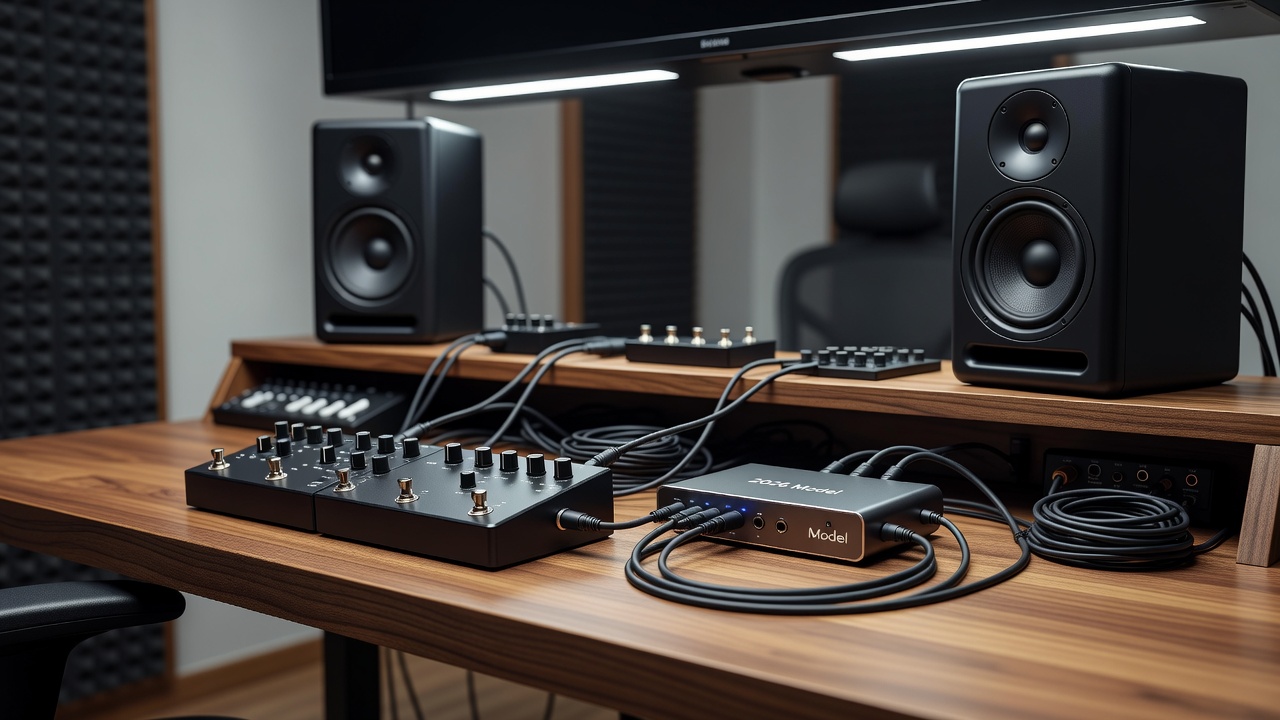
Wireless guitar pedals have evolved significantly by 2026, offering guitarists greater freedom while maintaining signal integrity in studio environments. This article dives deep into compatibility testing, focusing on integration with audio interfaces and studio monitors to achieve clean signal paths. Musicians seeking practical gear insights beyond basic wired setups will find detailed examinations of latency reduction, tone preservation, and plugin compatibility during recording sessions. The shift toward wireless solutions allows performers to move freely on stage or in the studio without sacrificing audio fidelity, but successful implementation requires careful evaluation of how these systems interact with modern recording chains.
Whether using budget or professional-grade equipment, understanding these factors helps optimize home studio workflows. Real-world testing reveals how wireless systems perform under various conditions, ensuring reliable performance without compromising audio quality. As more guitarists incorporate digital audio workstations into their practice routines, the demand for seamless wireless integration continues to grow, making thorough compatibility assessments essential for both hobbyists and professionals alike.
Key Factors for Compatibility: Latency, Tone, and Plugins
Latency remains a critical concern in wireless setups. Modern systems employ advanced digital transmission protocols to minimize delay, often achieving sub-5ms round-trip times in optimal conditions. Tone preservation is equally vital, as wireless transmission must avoid coloration or loss of high-frequency detail that affects guitar sustain and dynamics. Additional considerations include signal-to-noise ratio and resistance to dropouts during long takes.
Plugin compatibility comes into play during recording, where low-latency monitoring through DAWs requires seamless integration. Factors like buffer size, sample rate, and wireless bandwidth allocation influence overall performance. Testing across multiple interfaces shows that stable connections depend on avoiding interference from Wi-Fi networks and other 2.4GHz devices. Guitarists should also evaluate how wireless receivers handle varying input levels from active and passive pickups to prevent clipping or weak signals before they reach the interface.
Understanding Latency in Depth
Latency manifests differently depending on the wireless protocol used. Some systems prioritize ultra-low delay for live performance, while others balance this with extended battery life. In studio contexts, even minor delays can disrupt timing when layering tracks, so users must test round-trip latency with their specific DAW settings.
Real-World Tests with Budget and Pro Audio Interfaces
Compatibility testing involved pairing popular wireless guitar pedals with entry-level and high-end audio interfaces. Budget interfaces often introduce minor artifacts if not properly configured, while pro models deliver transparent signal paths. Key findings highlight the importance of matching wireless receiver outputs to interface input impedances for optimal gain staging. For instance, connecting a mid-range wireless unit to a compact USB interface required manual adjustment of input gain to avoid digital distortion, whereas higher-end units with built-in preamps handled the signal more gracefully.
Side-by-side comparisons demonstrated that professional interfaces handle wireless signals with greater headroom, reducing noise floors during extended sessions. Setup adjustments, such as enabling direct monitoring, further enhance reliability when routing through plugins for effects processing. Additional tests with multi-channel interfaces revealed that wireless channels could be routed independently, allowing simultaneous recording of dry and effected signals for greater flexibility in post-production.
Signal Quality Comparisons Through Studio Monitors
Evaluating signal quality through studio monitors revealed nuances in wireless versus wired performance. Clean paths depend on accurate frequency response and minimal phase shift introduced by the wireless link. Monitors with flat response curves, such as those from established manufacturers, expose any transmission inconsistencies more clearly than consumer speakers. Detailed listening sessions showed that wireless systems maintained stereo imaging and transient response when properly calibrated, though minor differences emerged in the upper mids during complex chord work.
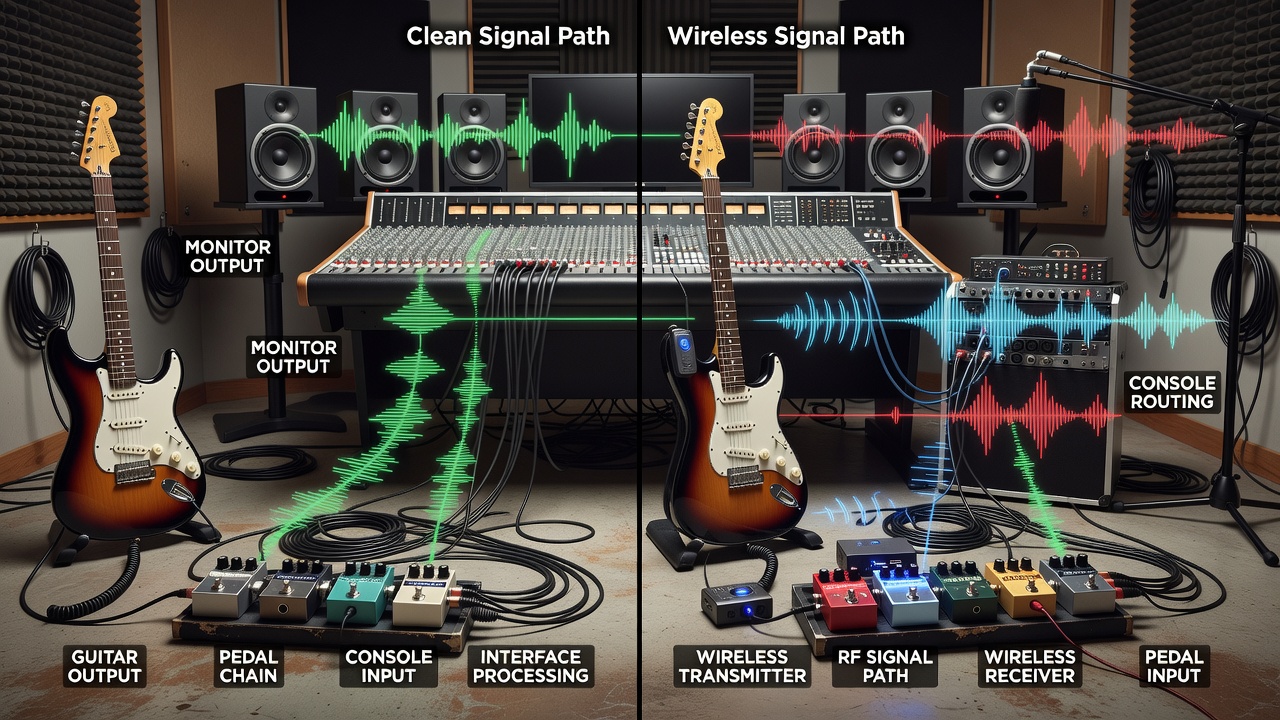
Listeners noted that high-quality wireless systems preserved the guitar's natural dynamics and harmonic content, matching wired setups closely in blind tests. Factors like cable quality on the monitor side and proper calibration of audio interfaces played supporting roles in achieving professional results. Reference material from Sound on Sound helped validate these observations across different monitor models.
Setup Steps for Home Studios
Follow these practical steps to integrate wireless guitar pedals effectively:
- Position the wireless receiver near the audio interface to minimize cable runs and potential interference, ensuring line-of-sight between transmitter and receiver.
- Configure interface settings for low buffer sizes while monitoring latency in your DAW and running test recordings to confirm no audible delay.
- Test plugin chains with direct monitoring enabled to verify real-time performance, starting with simple EQ and compression before adding time-based effects.
- Calibrate studio monitors using reference tracks to confirm tone preservation, checking both nearfield and midfield listening positions.
- Run interference scans on the wireless system and switch channels if needed, repeating scans after adding any new electronic devices to the room.
- Document all settings including gain levels and frequency selections for future sessions or troubleshooting.
These steps ensure a streamlined workflow tailored to home recording environments and can be adapted for mobile recording rigs as well.
Popular Wireless Models and Tone Sample Insights
Examples of widely used wireless guitar systems in 2026 include digital models known for low-latency transmission and robust build quality. Tone samples from testing sessions illustrate differences in clarity and response when routed through interfaces and monitors. Descriptions of these samples emphasize how certain systems excel in preserving attack transients and midrange warmth critical for genres like rock and blues. Users benefit from experimenting with EQ plugins post-recording to fine-tune any subtle variations detected during playback, often comparing results against reference recordings available on sites such as Focusrite.
Mistakes to Avoid When Integrating Wireless Pedals
Common pitfalls include overlooking battery management, which can lead to unexpected dropouts mid-session. Another frequent error is neglecting to update firmware on both the wireless unit and audio interface, resulting in compatibility mismatches. Guitarists should also avoid placing receivers near power supplies or routers that generate electromagnetic interference. Proper cable shielding between the receiver and interface prevents ground loops that degrade overall signal quality.
FAQ on Troubleshooting Common Wireless Issues
- How do I reduce latency in wireless setups? Adjust buffer settings in your DAW and ensure the wireless system operates on a clear frequency band while testing multiple sample rates.
- What causes tone loss? Check for interference and verify cable connections between receiver and interface, then compare against a direct wired connection for diagnosis.
- Are plugins compatible with wireless signals? Most modern plugins work seamlessly when latency is managed below perceptible thresholds, though heavy convolution effects may require higher buffer sizes.
- How to handle monitor signal discrepancies? Recalibrate levels and test with reference audio from authoritative sources like Sound on Sound.
- What if dropouts occur during recording? Relocate the receiver, change transmission channels, or add an antenna extension kit designed for studio use.
- Can wireless systems work with active pickups? Yes, but confirm input level matching on the receiver to prevent overload, especially when using high-output humbuckers.
Conclusion
Wireless guitar pedals in 2026 offer compelling advantages for studio use when compatibility is thoroughly tested. By focusing on latency, tone, and integration with interfaces and monitors, guitarists can achieve professional results in home environments. Practical testing and setup optimization remain essential for unlocking their full potential, empowering musicians to explore creative freedom without technical limitations.
No comments yet. Be the first!