 Instrumentiverse
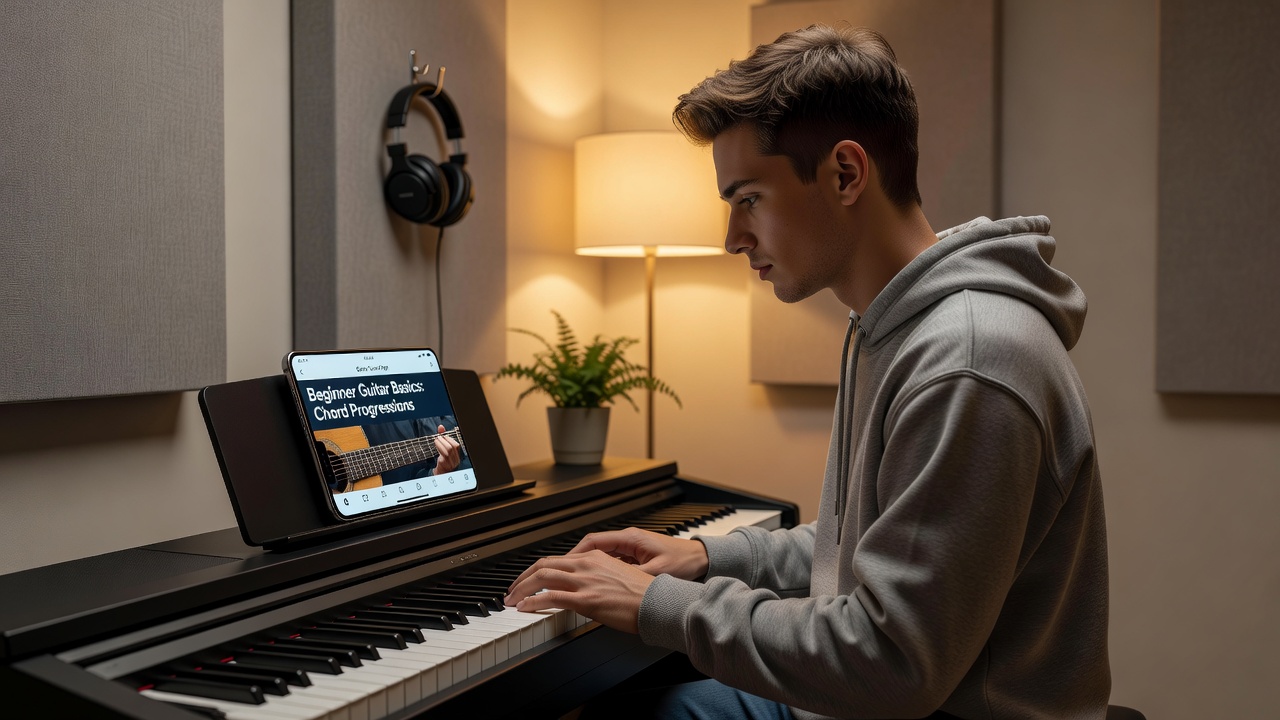
Learning guitar or piano as a beginner in 2026 has never been more accessible thanks to mobile and web apps designed specifically for structured music tutorials. These tools provide interactive lessons, progress tracking, and daily exercises that help new players build skills efficiently without needing a traditional teacher from day one. Whether you want to master basic chords on guitar or simple melodies on piano, the right app can turn short practice sessions into meaningful progress. Many beginners find that apps remove the intimidation factor of formal lessons by offering immediate feedback and flexible pacing tailored to individual schedules and learning speeds.
Why Apps Work Well for Beginner Musicians
Apps combine visual feedback, audio examples, and gamified elements to keep motivation high. They break down complex techniques into bite-sized modules that match the pace of a complete novice. Research from institutions like Berklee College of Music shows that consistent short sessions outperform sporadic long ones, and apps make this consistency easy to maintain. Beyond convenience, apps often incorporate adaptive algorithms that adjust difficulty based on your performance, ensuring you are neither overwhelmed nor under-challenged. For piano learners, this might mean slowing down a melody until finger independence improves, while guitar apps can detect strumming accuracy and suggest targeted drills for weak areas such as barre chords or alternate picking patterns.
Top Apps for Guitar and Piano Beginners
Several standout platforms cater to both instruments. Yousician offers real-time feedback on both guitar and piano through microphone or MIDI input. Simply Piano focuses primarily on piano with guided songs and finger placement visuals. Fender Play emphasizes guitar fundamentals with video lessons and practice plans. These apps include progress dashboards that log daily streaks and skill milestones. Other notable options include Flowkey for classical piano repertoire and Guitar Tricks for comprehensive guitar technique libraries. When selecting an app, consider whether you prefer gamified rewards or more traditional lesson structures, as this choice significantly impacts long-term adherence.
Step-by-Step Setup Guide for Yousician
First download the app from your device store. Create an account and select your instrument. Connect your guitar via the built-in microphone or a MIDI keyboard for piano. Complete the initial skill assessment to receive a personalized learning path. Set a daily goal of 15 minutes in the settings menu to unlock reminders. Next, calibrate your device’s audio input by following the on-screen prompts, which typically involve playing a few open strings or notes to establish accurate detection thresholds. Finally, explore the song library and add three beginner-friendly tracks to your practice queue so you have immediate material ready after setup.
Step-by-Step Setup Guide for Simply Piano
Install the app and sign up using an email or social account. Choose piano as your instrument and indicate your experience level as absolute beginner. Connect a MIDI keyboard if available or use the on-screen virtual keys for initial lessons. Complete the quick diagnostic test that evaluates your ability to match pitch and rhythm. Enable daily notifications and select a preferred practice time, such as early morning or evening, to align with your natural energy levels.
Gamification Versus Traditional Methods
Gamified apps reward users with points, badges, and leaderboards, which can boost engagement for beginners who struggle with self-discipline. Traditional methods rely on sheet music and metronomes without instant scoring. A balanced approach works best: use app gamification for motivation during the first three months, then supplement with printed exercises from Juilliard resources to develop deeper musicality. Gamification excels at turning repetitive drills into engaging challenges, yet it sometimes prioritizes speed over musical expression. Traditional study builds reading fluency and interpretive skills that transfer better to ensemble playing or live performance situations later on.
Real-World 15-Minute Practice Session Examples
Begin with a 3-minute warm-up using the app’s scale exercises. Spend 5 minutes on a new chord or note-reading lesson. Dedicate the next 5 minutes to playing along with a guided song at slow tempo. Finish with 2 minutes reviewing progress metrics. Repeat this structure daily to build muscle memory without burnout. For variety, alternate between a blues progression on guitar one day and a simple two-hand piano piece the next. Another session example might focus entirely on rhythm: spend the full 15 minutes practicing strumming patterns or left-hand chord changes while the app provides a metronome click and visual cueing.
Integrating Apps Into a Weekly Routine
Schedule practice at the same time each day to create habit. Monday through Wednesday focus on new material from the app. Thursday review previous lessons. Friday and Saturday incorporate fun songs. Sunday is a lighter session or rest day. Track total practice time weekly using the app’s built-in calendar to spot patterns and adjust goals. Consider pairing practice with another daily habit such as morning coffee or evening wind-down to increase adherence. Over a month, this routine can accumulate more than seven hours of deliberate practice, which research consistently links to measurable skill gains in motor control and musical memory.
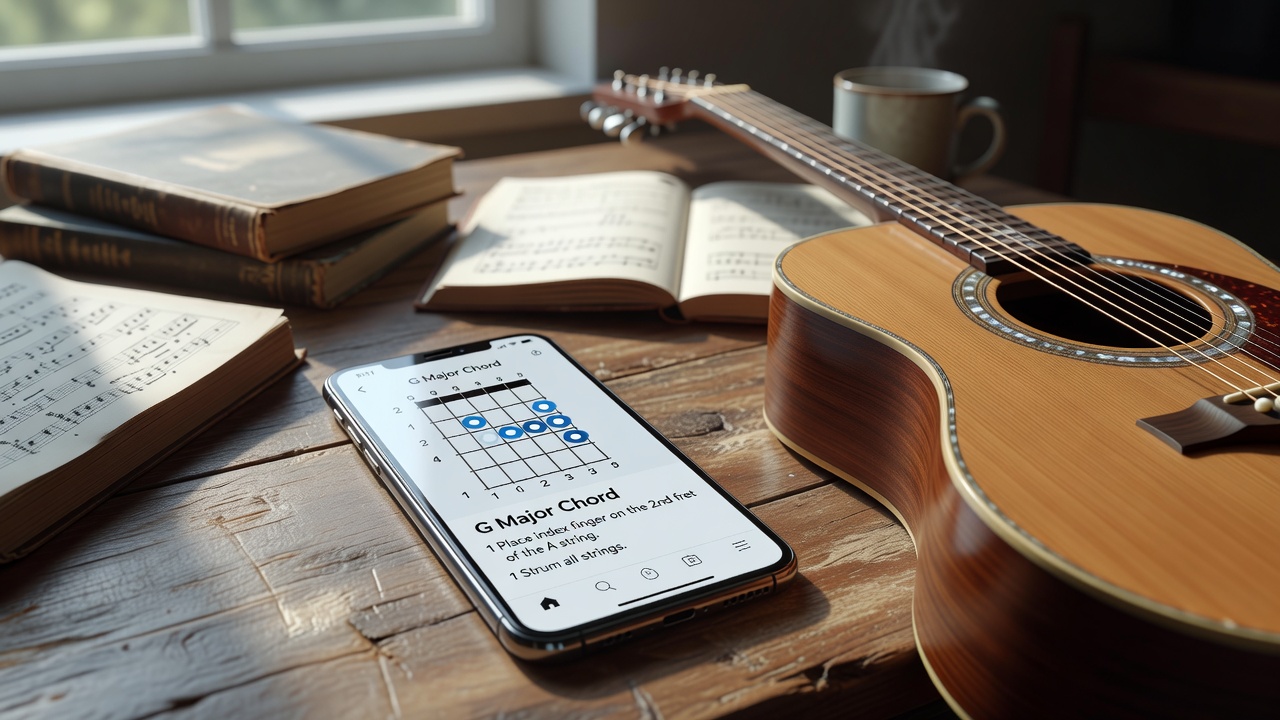
Common Mistakes Beginners Should Avoid
- Skipping the initial assessment and jumping into advanced songs, which leads to frustration and poor technique.
- Ignoring posture and hand positioning feedback from the app, resulting in tension or injury over time.
- Practicing only when the app sends a notification instead of building internal discipline and self-directed goals.
- Neglecting ear training modules in favor of visual guides alone, limiting the ability to play by ear later.
- Using the same app exclusively without cross-referencing other resources or live instruction when possible.
- Rushing through lessons without mastering each stage, creating gaps in foundational knowledge.
- Failing to adjust device settings for accurate feedback, which can discourage users with false negative scores.
Choosing the Right App for Your Goals
Evaluate apps based on instrument focus, feedback technology, and subscription flexibility. If you plan to learn both guitar and piano, select a multi-instrument platform like Yousician. Piano-only learners may prefer Simply Piano’s detailed note-reading curriculum. Guitarists seeking song variety often favor Fender Play’s extensive library. Test free trial periods before committing, and read recent user reviews to understand current app performance on your specific device and operating system.
Combining Guitar and Piano Practice
Many beginners enjoy learning both instruments because skills transfer between them. Start with 15 minutes per instrument on alternate days to avoid confusion between techniques. Use one app for both when possible to maintain a single progress dashboard. Focus first on shared concepts such as rhythm, basic chords, and scales before exploring instrument-specific techniques like fingerpicking on guitar or pedaling on piano.
Progress Tracking and Motivation Strategies
Most apps provide streak counters, skill trees, and performance graphs. Review these metrics weekly to celebrate improvements and identify plateaus. When motivation dips, switch to a favorite song within the app or join online communities associated with the platform. Setting non-app goals, such as performing a short piece for family members after four weeks, adds external accountability and tangible rewards.
FAQ
Are app lessons accurate for beginners?
Yes, most top-rated apps use professional musicians and educators to create content. Accuracy improves when you cross-reference with authoritative sites such as National Endowment for the Arts guidelines on music education.
How do I stay motivated long term?
Set small milestones, join app communities, and alternate between structured lessons and free-play modes. Celebrate weekly streaks to maintain momentum and consider recording short video updates of your playing every two weeks to visually track improvement.
Can I learn both guitar and piano at once?
Many apps support multiple instruments. Start with 15 minutes per instrument on alternate days to avoid confusion between techniques and gradually increase time as comfort grows.
What if the app’s feedback feels off?
Recalibrate your device microphone or check MIDI connections. Adjust sensitivity settings or switch to a different app that better matches your playing style and acoustic environment.
Do I need special equipment beyond my phone or tablet?
Basic apps work with built-in microphones, but a MIDI keyboard or clip-on guitar tuner improves accuracy and reduces frustration during early lessons.
With consistent use of these tools and a clear routine, beginners can develop solid foundations on guitar and piano throughout 2026. Start today with one app and build from there.
No comments yet. Be the first!