 Instrumentiverse
Introduction to Hybrid Rig Tone Matching in 2026
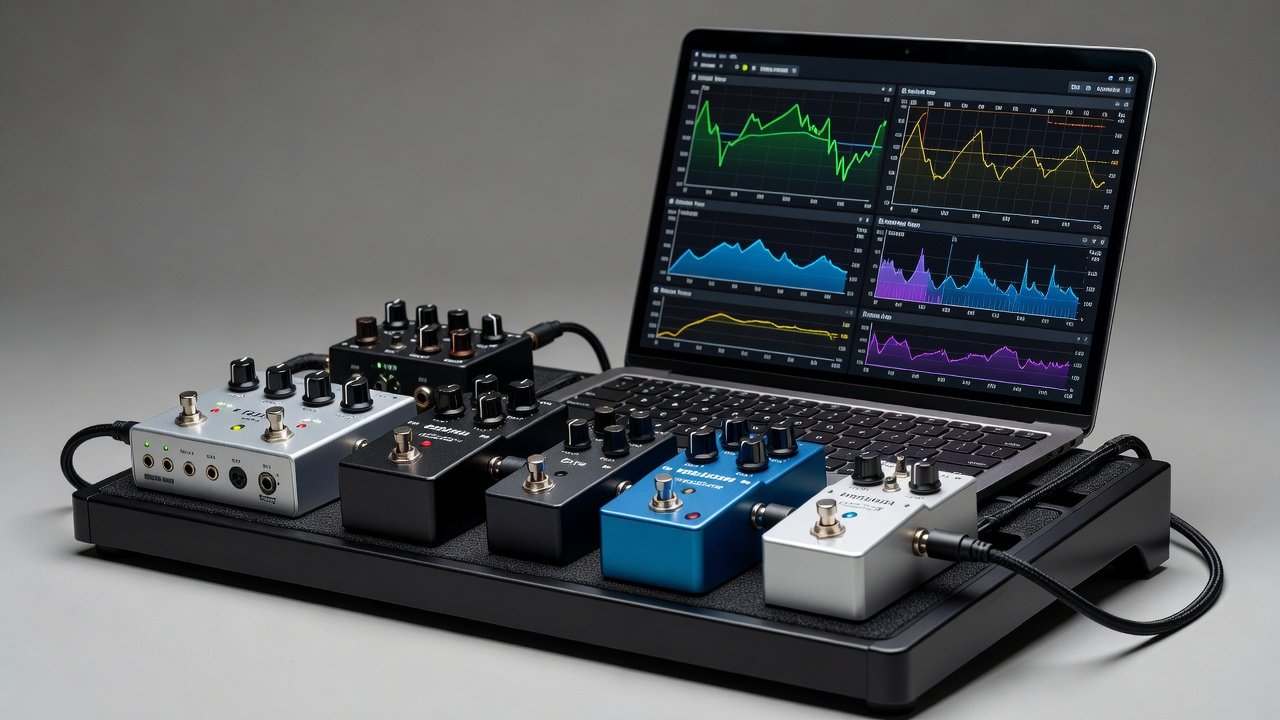
Guitarists seeking consistent tone across digital and analog domains increasingly rely on detailed plugin reviews to guide pedal selection. This approach optimizes hybrid setups by ensuring plugins and pedals complement each other through audio interfaces. In 2026, advancements in low-latency routing and frequency analysis tools make it easier than ever to achieve seamless integration between software modeling and physical hardware.
By analyzing plugin frequency responses and matching EQ curves to pedal settings, players can create reliable workflows that translate well from studio to stage. This article covers practical A/B testing methodologies, step-by-step pairing examples with specific overdrive and modulation pedals, latency considerations when routing through studio monitors, and common integration challenges. Whether you are building a new hybrid rig or refining an existing one, these techniques provide actionable insights for tone consistency.
Analyzing Plugin Frequency Responses for Pedal Compatibility
Effective tone matching begins with understanding how plugins shape the frequency spectrum. Detailed reviews often break down low-end rumble, midrange clarity, and high-frequency sparkle using real-world signal tests. Guitarists should compare these profiles against the natural response of their overdrive or modulation pedals to identify potential clashes or synergies.
For instance, plugins emphasizing boosted mids around 800 Hz pair well with transparent overdrives that preserve headroom without adding excessive compression. Use spectrum analyzers built into most DAWs to visualize overlaps and gaps before committing to hardware purchases. Consider running multiple test signals including single notes, chords, and full riffs to capture dynamic behavior across the frequency range. This data-driven foundation prevents mismatched tones that can occur when blindly combining popular plugins with classic pedals.
Matching EQ Curves with Pedal Settings
Once frequency data is gathered, align EQ curves by adjusting pedal knobs to mirror plugin parameters as closely as possible. Start with the plugin's EQ section engaged at neutral settings, then replicate cuts and boosts on the pedal using its tone controls or any built-in EQ. This creates tonal continuity when switching domains during performances or recordings.
Practical tip: Record a dry guitar signal through your audio interface, process it with the plugin, and compare against the pedal chain in real time. Fine-tune until the curves align closely on the analyzer display. Pay special attention to the interaction between pedal gain staging and plugin input levels, as overloading either stage can introduce unwanted harmonics that disrupt the intended match.
Practical A/B Testing Workflows
A structured A/B testing workflow ensures reliable results and repeatable outcomes. Connect your guitar to an audio interface, route the signal simultaneously to plugin and pedal paths, and switch between them using a simple footswitch or DAW routing matrix.
- Record identical phrases in both domains at the same tempo and dynamics.
- Listen on studio monitors at precisely matched volumes using a calibrated SPL meter.
- Note differences in dynamics, harmonic content, and transient response.
- Iterate adjustments on both plugin parameters and pedal knobs until perceived tone matches.
- Document settings with screenshots and photos for future reference.
This method highlights subtle discrepancies that might otherwise go unnoticed during casual listening and helps build a personal database of successful pairings.
Step-by-Step Examples: Pairing Plugins with Overdrive Pedals
Consider pairing a popular amp-modeling plugin with an analog overdrive pedal. Load the plugin at moderate gain levels, then set the pedal's drive control to approximately half and tone knob to emphasize similar mid frequencies. Test through Focusrite interfaces for clean signal paths that minimize coloration. Adjust the pedal's level control to match the plugin's output so switching feels seamless.
Another example involves pushing an overdrive into a plugin's clean platform. Set the pedal for light breakup and let the plugin handle additional saturation and cabinet simulation. This hybrid approach often yields more organic feel than either domain alone.
Step-by-Step Examples: Pairing Plugins with Modulation Pedals
Modulation pedals present unique matching challenges because of their time-based and movement-oriented nature. Match a chorus plugin's rate and depth settings to a hardware unit by ear and visual waveform comparison using an oscilloscope plugin. Adjust the pedal's mix control to blend seamlessly with the plugin's wet signal for a unified stereo image.
For delay-based modulation like flangers or phasers, synchronize the plugin's LFO rate to the pedal's speed control while monitoring phase cancellation points. Record test loops and compare side-by-side to ensure the movement feels consistent whether the signal passes through the plugin first or the pedal first.
Latency Impacts When Routing Through Studio Monitors
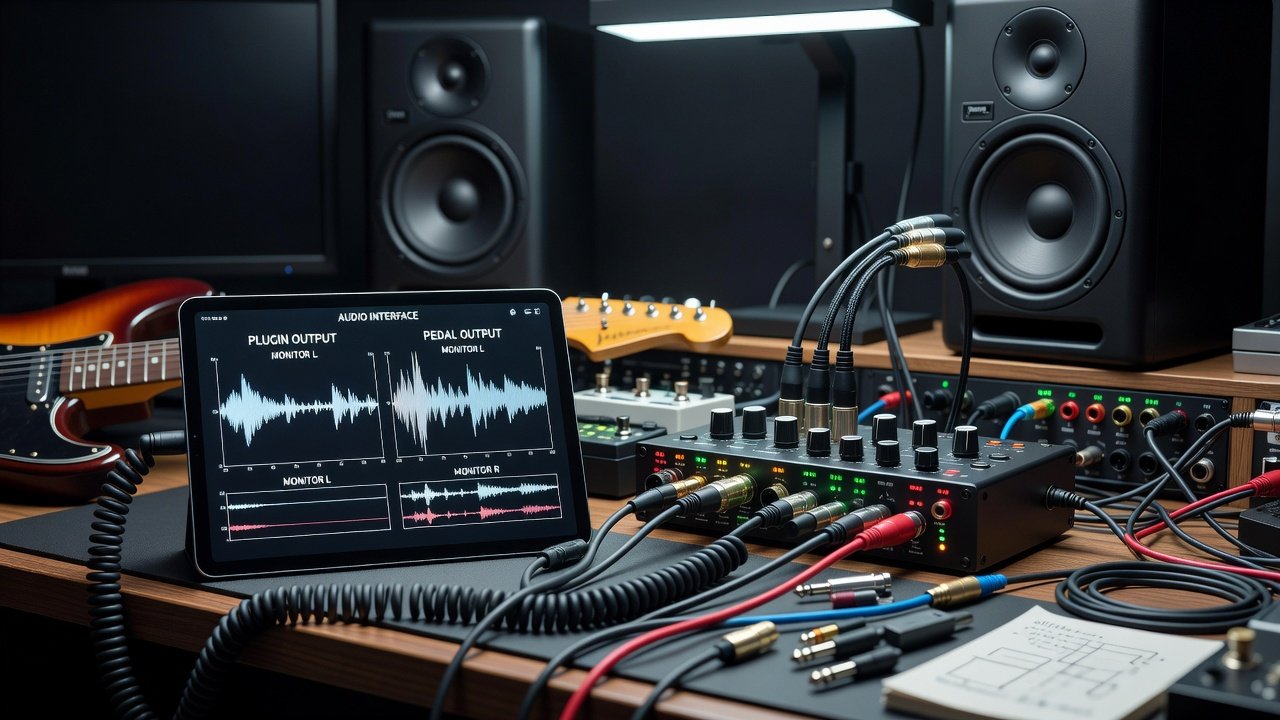
Routing hybrid setups through studio monitors introduces variable latency that can disrupt playing feel and timing accuracy. Digital plugin paths often add 5-10ms of round-trip delay compared to pure analog pedal chains. To mitigate this, select interfaces with direct monitoring and buffer sizes optimized for guitar tracking as of 2026-10-05.
Compare total system latency by measuring the time between pluck and monitor output in both configurations using built-in DAW tools. Players sensitive to timing may prefer lower-buffer settings even if CPU load increases slightly. When using multiple plugins in series with pedals, cumulative latency can exceed comfortable thresholds, so prioritize interfaces known for stable low-latency performance such as those from Universal Audio.
Choosing the Right Audio Interface for 2026 Hybrid Setups
Selecting an appropriate audio interface is foundational to successful tone matching. Look for models with high-impedance instrument inputs, robust direct monitoring, and stable drivers that support sample rates up to 96 kHz without dropouts. Interfaces with onboard DSP can offload plugin processing, freeing headroom for additional modeling while keeping latency low.
Compare input dynamic range and preamp quality across options from established manufacturers. Test your chosen interface with both your plugin chain and pedalboard before finalizing purchases to ensure the signal path remains transparent enough for accurate comparisons.
Common Integration Challenges and FAQ
How do I handle impedance mismatches between plugins and pedals?
Use active DI boxes or interfaces with high-impedance inputs to maintain signal integrity across domains and prevent tone loss or unwanted filtering.
What if my plugin review lacks detailed frequency data?
Generate your own analysis using free tools like Voxengo Span while testing the plugin on your specific guitar and interface combination.
Can I achieve zero latency in hybrid rigs?
Zero latency is rare in mixed digital-analog systems; focus instead on sub-5ms total delay through careful buffer management and direct monitoring features.
How should I approach gain staging across both domains?
Keep peak levels around -12 dBFS in the digital domain and match analog output levels to avoid clipping while preserving dynamic range.
Conclusion
Mastering plugin tone matching elevates hybrid guitar rigs by delivering consistent, professional results across performances and recordings. Through frequency analysis, EQ alignment, rigorous A/B testing, and thoughtful interface selection, guitarists can confidently select complementary pedals that enhance their digital tools. Explore these techniques to refine your 2026 setup and unlock new creative possibilities in both studio and live environments.
No comments yet. Be the first!