 Instrumentiverse
Introduction to Plugin Evaluation in Hybrid Guitar Setups
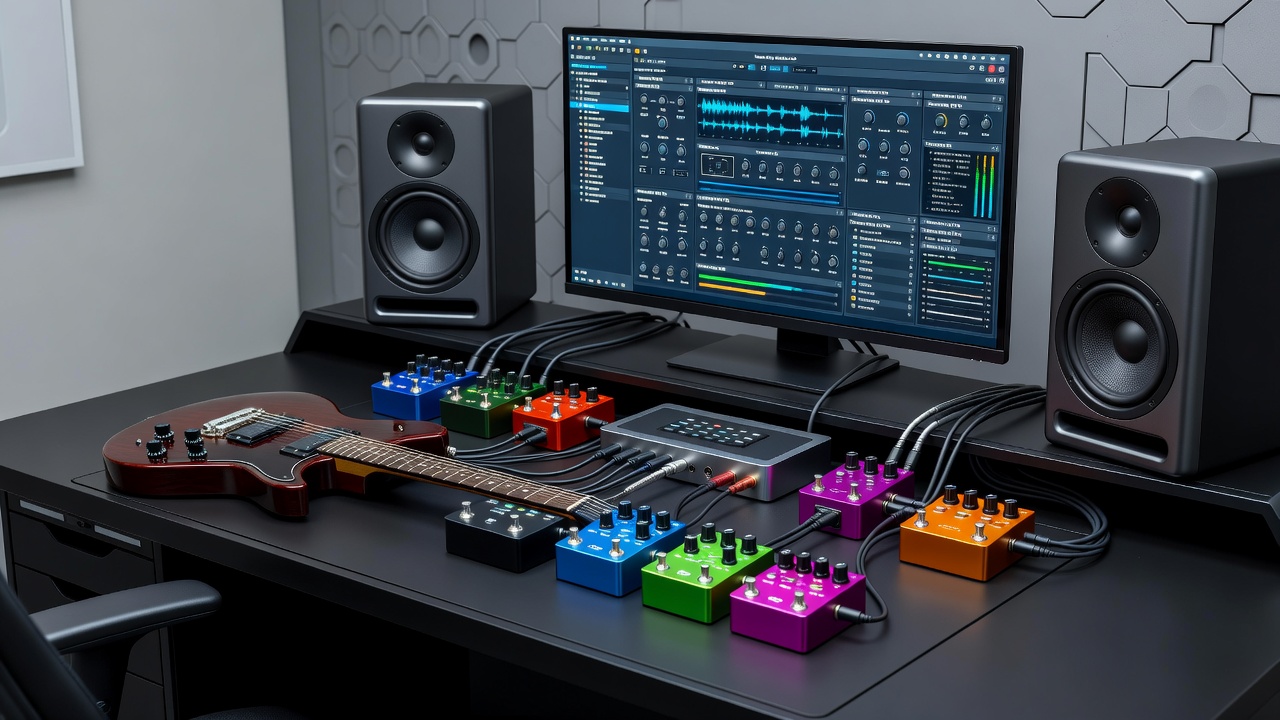
In 2026, guitarists are increasingly blending physical hardware like pedals and audio interfaces with software plugins to achieve professional tones. This hybrid approach demands rigorous evaluation techniques to ensure plugins perform reliably alongside real gear. Whether you're routing through a high-end interface or chaining multiple stompboxes, understanding how plugins interact with your signal chain is essential for consistent results. Evaluating plugins isn't just about listening; it requires systematic testing that accounts for hardware variables such as impedance matching, power supply noise, and cable quality. This article provides practical methods tailored for guitarists seeking to optimize their rigs in 2026, going beyond basic overviews to deliver actionable protocols that help you make informed decisions about which plugins truly enhance your existing hardware.
Setting Up Your Signal Chain for Accurate Plugin Testing
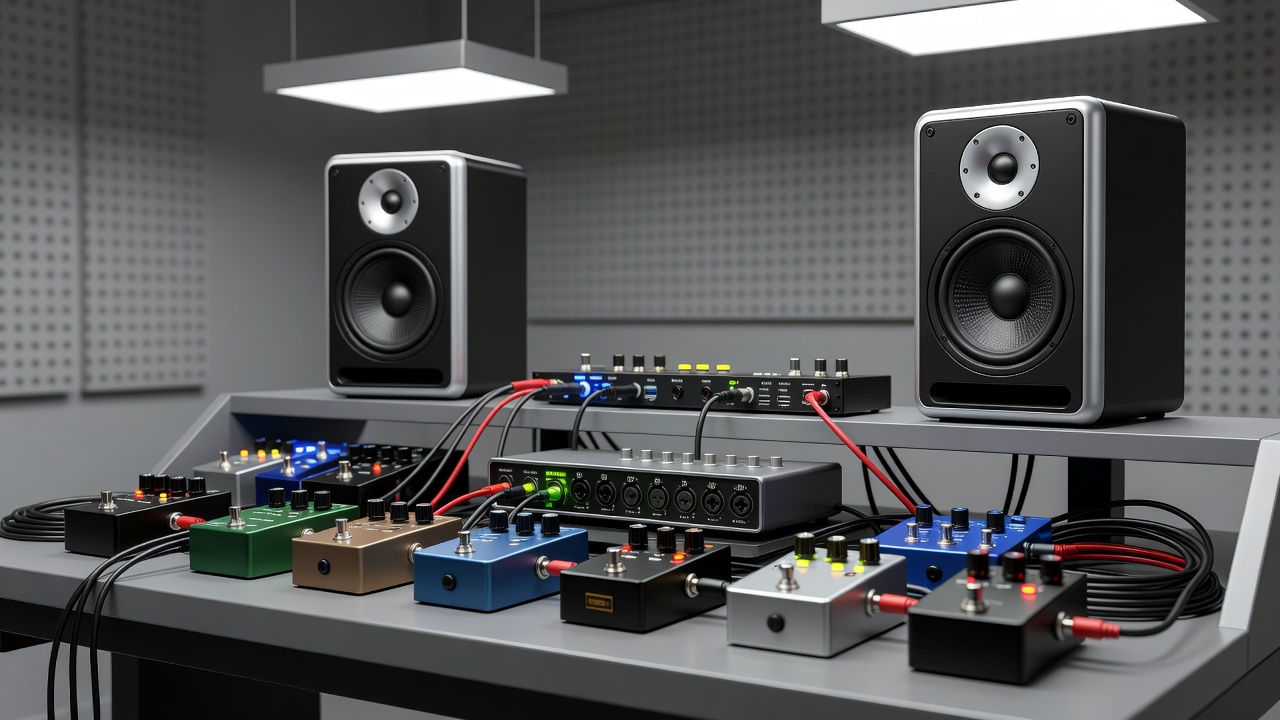
A well-organized signal chain forms the foundation of reliable plugin reviews. Begin by connecting your guitar to a quality audio interface, then route through pedals before or after the interface depending on your workflow. For instance, place time-based effects like delays in the plugin domain while keeping drive pedals in the analog path for authenticity. Key steps include calibrating input levels on your interface to avoid clipping, ensuring proper gain staging, and using direct monitoring features where available. This setup minimizes variables that could skew plugin assessments. Consider the order of operations carefully: if your pedals include buffers, they can affect how plugins receive the signal, potentially altering perceived dynamics and frequency response. Test both pre-interface and post-interface pedal placements to determine which configuration yields the most transparent plugin integration. Many players benefit from using a dedicated pedal power supply to eliminate ground loops that might otherwise be misattributed to plugin performance issues.
Troubleshooting Latency in Pedal-Plugin Combinations
Latency remains a common challenge when integrating plugins with hardware. Start by measuring round-trip latency using your DAW's built-in tools. Adjust buffer sizes on your interface—lower settings reduce delay but increase CPU load. Practical troubleshooting involves testing different plugin instances in isolation. Disable any automatic latency compensation temporarily to identify culprits. Many guitarists report improved performance by prioritizing native plugins or those optimized for low-latency operation in hybrid environments. Additional techniques include freezing tracks after recording, using hardware monitoring during initial tracking, and experimenting with ASIO or Core Audio drivers for better efficiency. When pedals introduce their own processing time, such as digital delays or loopers, the cumulative effect can push total latency beyond acceptable thresholds for live playing or precise studio work. Document latency measurements at each stage of your chain to isolate whether the issue stems from the interface, the pedal, or the plugin itself.
Tonal Matching Strategies for Realistic Plugin Integration
Achieving tonal consistency requires matching plugin parameters to your hardware chain. Use reference tracks and spectrum analyzers to compare frequency responses. Adjust EQ curves in plugins to emulate the response of your pedals and amp. Advanced techniques include impulse response loading for cabinet simulation and A/B switching between hardware and software paths. This helps identify subtle differences in dynamics and harmonic content introduced by each plugin. For deeper matching, record identical phrases through your full hardware chain and then replicate the tone using only plugins, noting specific parameter values that produce the closest results. Pay attention to how overdrive pedals interact with plugin gain stages, as analog saturation often differs from digital modeling in ways that affect perceived warmth and sustain. Incorporate tools like Native Instruments Guitar Rig's built-in analyzers to visualize and fine-tune these matches over multiple sessions.
Step-by-Step Testing Protocols Using Studio Monitors
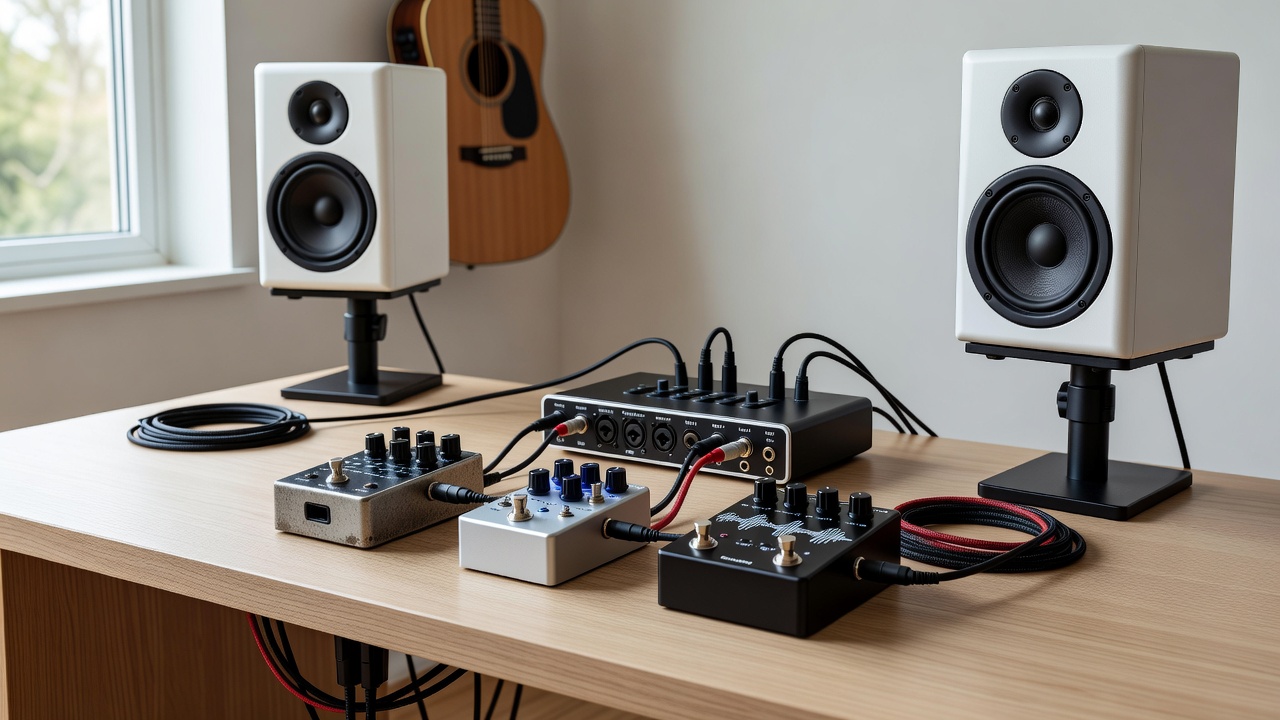
To conduct thorough evaluations, follow these protocols with studio monitors:
- Calibrate your monitoring environment at a consistent volume level using pink noise and an SPL meter.
- Record dry guitar tracks through your interface and pedals at multiple dynamic levels to capture both clean and aggressive playing styles.
- Load each plugin and apply identical settings across tests while noting any CPU usage spikes.
- Switch between monitors and headphones to assess translation across different listening environments.
- Document findings on dynamics, clarity, and responsiveness, including how each plugin responds to external pedal adjustments.
- Repeat the entire process after a 24-hour break to mitigate ear fatigue and ensure reproducibility.
These steps create a repeatable framework that accounts for real-world variables like room acoustics and player technique.
Side-by-Side Examples of Three Popular Plugins
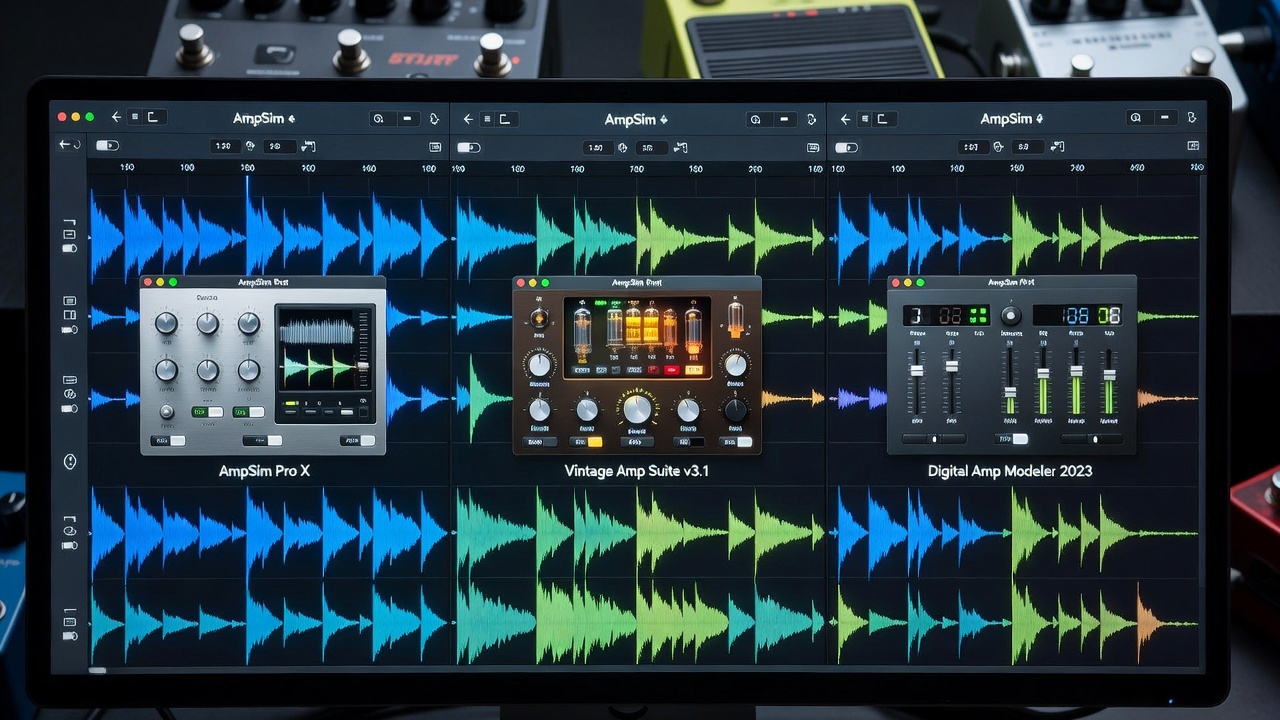
Consider three widely used options for guitar processing: Neural DSP Archetype plugins, IK Multimedia AmpliTube, and Native Instruments Guitar Rig. When tested in a hybrid setup with an audio interface and overdrive pedal, each exhibits unique strengths. Archetype series excels in high-gain metal tones with precise modeling of modern amplifiers, offering tight low-end response that pairs well with analog boost pedals. AmpliTube offers broad amp variety suitable for classic rock and blues, with flexible stompbox emulations that can either replace or complement physical pedals. Guitar Rig provides flexible effects routing that complements physical pedals well, allowing users to insert real hardware into virtual signal paths via send/return loops. Side-by-side listening reveals how each handles latency differently and interacts with real hardware gain stages. Guitarists should test these in their specific chains for personalized insights. For example, running a Tube Screamer-style pedal into Archetype often yields tighter attack than the same pedal into Guitar Rig, while AmpliTube shines when used to model vintage cabinets that your physical setup may lack.
Common Mistakes to Avoid During Plugin Reviews
One frequent error is evaluating plugins in isolation without the full hardware chain, leading to unrealistic expectations once pedals and interfaces are added. Another mistake involves ignoring gain staging, which can cause plugins to clip or sound thin. Players also sometimes overlook driver updates for their audio interfaces, resulting in unnecessary latency that gets blamed on the software. Always cross-reference results using multiple interface models and avoid relying solely on one monitor system for final judgments. Finally, resist the urge to judge plugins after only a few minutes of listening; extended sessions reveal how well a plugin maintains interest over long tracks.
FAQs on Achieving Consistent Review Results
How do I ensure consistent results across different interface models? Standardize your testing environment by using the same guitar, cables, and monitor levels regardless of the interface. Log all settings meticulously and repeat tests on each model under identical conditions. Resources from organizations like the Audio Engineering Society can provide additional guidance on measurement standards.
What role do studio monitors play in plugin assessment? High-quality monitors provide accurate frequency representation, helping detect issues like muddiness or harshness that headphones might mask. They also simulate real-world listening conditions more effectively than earbuds or consumer speakers.
Can pedal order affect plugin performance? Yes, placing modulation pedals before the interface often yields cleaner plugin interactions compared to post-interface placement, as it preserves the natural analog warmth before digital processing begins.
How many test sessions are recommended for reliable results? Conduct at least three separate sessions spread over different days to account for variations in playing feel, room temperature, and personal perception.
Conclusion
Optimizing plugin use with pedals and interfaces in 2026 requires methodical evaluation focused on real-world integration. By mastering signal chains, latency management, tonal strategies, and structured testing protocols, guitarists can unlock superior hybrid tones. Apply these protocols to refine your setup and achieve professional-grade results while avoiding common pitfalls that compromise review accuracy. Consistent methodology ensures your plugin choices truly complement rather than compete with your valuable hardware investments.
No comments yet. Be the first!